
Assess site risks, turn findings into budgeted action, and use field checklists, reporting templates, and PDPA notes for camera and biometric deployments.
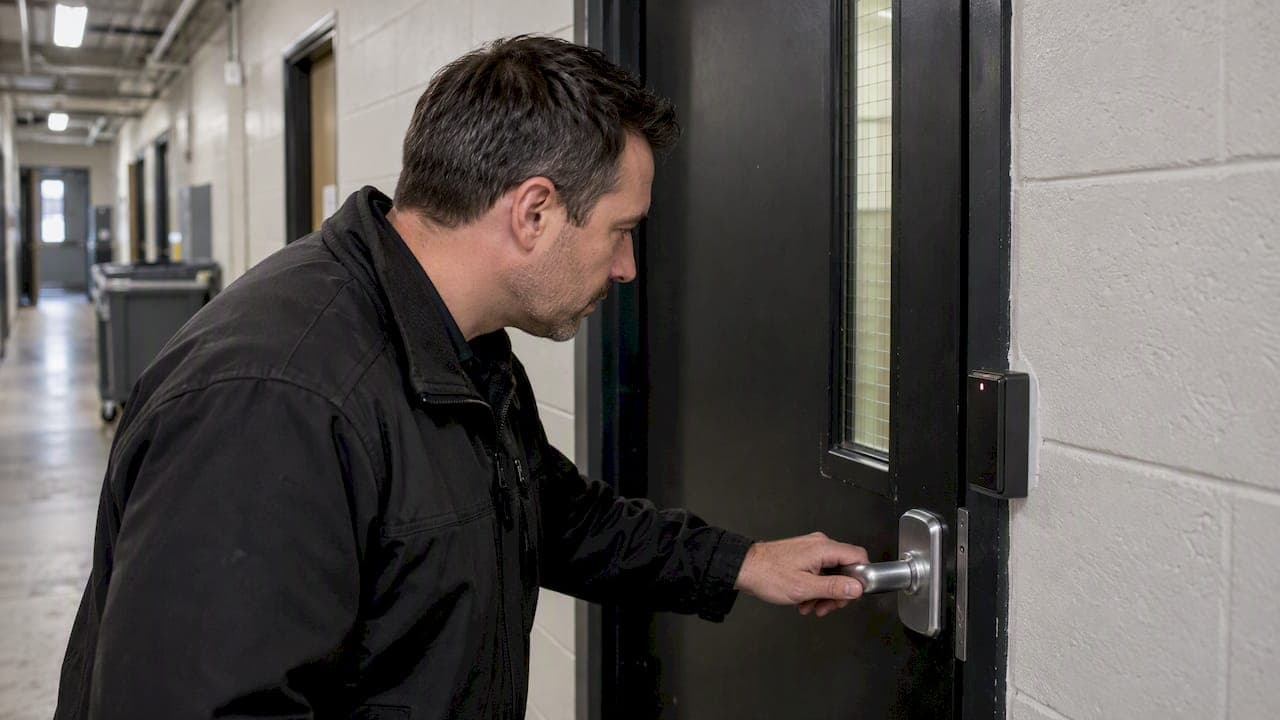
Security Site Survey: Facility Teams’ Checklist for Funded Fixes

A security site survey is a structured on-site assessment that produces prioritized, evidence-based recommendations and a documented report with risk ratings, ownership and timelines. Security professionals or qualified consultants should run it, because the value lies in defensible findings that leadership can fund and act on, not in a list of observations.
TL;DR:
- Cover the perimeter, entrances, lighting, cameras, access controls, procedures, utilities, and critical assets, judging each against how people actually use the site.
- Schedule baseline and repeat surveys at least annually, after incidents or site changes, and before major events; inspect during daytime, evening, and quiet periods.
- Use identical risk scoring across sites, and give every recommendation a rating, cost and effort cues, a named owner, a deadline, and an implementation tracker.
- Rank findings by risk, cost, effort, operational impact, and compliance urgency; place high risk, low cost fixes first, and pilot technical changes in one zone.
- Treat facial images captured by security cameras as personal data; document consent, notification, retention, and storage duties during the survey, before deployment.
Table of Contents
- What does a security site survey cover?
- Why run a professional site survey?
- What should a security site survey checklist include?
- How do you run the survey in the field?
- How should findings be reported and handed off?
- How do you turn findings into an implementation plan?
- What practitioners learn the hard way
- How we help you move from survey to deployment
- FAQ
- Sources
What does a security site survey cover?
A survey is an assessment, which separates it from an audit or inspection. An inspection checks whether a known standard is met. A survey asks what could go wrong at this specific site and what proportionate measures would reduce that risk. The Security Survey Guide frames it as an on-site examination that identifies weaknesses and strengths and typically recommends a mix of physical, procedural and people controls.
Core components include the perimeter, access control, surveillance, lighting, written procedures, staff behavior and critical assets. Each one gets evaluated against how the site is actually used, not how the floor plan suggests it is used.
Schedule a survey when you need a baseline, when the building's use or layout changes, after an incident, and before a major event.

Why run a professional site survey?
Raw field notes rarely win budget. A professional assessment turns site-specific observations into a comparable portfolio view, which lets security directors justify budget requests with data instead of anecdote. Standardized scoring is what makes one site comparable with another.
That evidence has practical uses beyond internal planning:
- Insurance renewals and underwriting questions
- Landlord and tenant security requirements
- Compliance reviews
- Pre-event security planning
If you need a lighter starting point, our security risk assessment checklist for facility owners works as a pre-survey primer.
What should a security site survey checklist include?
Use this list on a walkthrough or to brief the assessors who will do one. It follows the order a visitor, delivery driver or intruder would experience the site.
- Perimeter: fencing condition, gates, vehicle barriers and the controls on them.
- Entrances and exits: every door in use, delivery bays, loading routes and visitor flows, including wayfinding signs.
- Sightlines and lighting: natural surveillance from occupied areas, dark spots, and measured light levels at entrances and parking.
- CCTV: camera positions, blind spots, retention periods and where footage is stored.
- Access control: doors, locks, key control, visitor enrolment and, where used, the biometric enrolment lifecycle.
- Alarms and detection: intrusion points, panic routes and where critical assets are stored.
- Utilities and hazards: roof and basement access, plant rooms and hazardous materials storage.
- Procedures: opening and closing routines, contractor access, incident logs and vendor contracts.
- Documents to gather: floor plans, standard operating procedures, visitor logs and incident history.
Camera and biometric deployments carry data protection duties. The PDPC's guide on responsible use of biometric data states that facial images from security cameras are personal data, and it includes annex templates for deploying cameras and access control while meeting PDPA obligations. For commercial properties, also check where tenant and landlord responsibilities overlap, as in this commercial building resource.
Pro Tip: Photograph every item on this list in place before you write a single finding, then tag each photo to a floor plan grid reference so reviewers can find it easily.
How do you run the survey in the field?
Consistency beats cleverness. A repeatable method gives you evidence that holds up when someone challenges a finding. The ASIS site survey article treats the survey as the foundation for system planning, design, installation and documentation, so your field method should feed all four.
- Review documents first. Read floor plans, procedures, visitor logs and incident history before you arrive, so your walkthrough tests what is written against what happens.
- Walk the site at different times. Cover a working day, an evening and a low-activity period. A small site may take a few hours, while a complex or multi-zone site needs several visits.
- Interview stakeholders. Speak to guards, reception, facilities, tenants and contractors. Keep short notes and record the role of each person, not just the name.
- Capture evidence as you go. Use annotated floor plans, timestamped photos and an evidence folder per zone.
- Score each finding. Rate likelihood and impact, then multiply them to produce a priority.
- Use simple tools. A mobile inspection app, a camera, a laser measure and a spreadsheet template are enough.
For a deeper treatment of scoring, see our practitioner's guide to risk assessment in security.
How should findings be reported and handed off?
A report that sits unread has failed, however thorough the fieldwork. Write for the person who must approve the spend, then for the person who must carry out the work.
Essential contents:
- An executive summary a director can read quickly
- A defined scope, so readers know what was and was not examined
- Findings with photos, a clear risk rating and a prioritized recommendation for each
- Cost and effort cues, a named owner and a deadline for every action
- An implementation tracker that carries over into the next review
Use identical scoring across sites so leadership can compare them side by side, which is the portfolio view TechTarget describes. Agree a delivery window before fieldwork starts, stated in business days, and set a review cadence of at least annually or after a trigger such as an incident or a layout change. Our guide to physical security best practices explains why recommendations should blend physical, procedural and personnel measures.
How do you turn findings into an implementation plan?
Sort every finding by four factors: risk score, cost and effort, operational impact and compliance urgency. A high-risk, low-cost item goes to the top.

Separate quick wins from strategic investments. Quick wins are cheap and visible: trimming vegetation that blocks sightlines, fixing a failed light, tightening key control. Strategic investments, such as phased sensor and analytics rollouts, need budget cycles and sponsors.
For technical recommendations, run a pilot or proof of concept on one zone before committing the whole site. Our article on securing facilities with advanced sensor technology shows how phased deployment works in practice.
Finally, write the budget ask with measurable KPIs, such as fewer unmanaged entry points or shorter incident response times, so leadership can see what each dollar buys.
What practitioners learn the hard way
Schedule at least one unannounced visit. A site that is tidy for a booked appointment tells you little about a Tuesday night.
Resist box-ticking. A recommendation that ignores how the site is used will be quietly ignored by the people who must follow it. Tie every finding to a business priority.
Protect your evidence. Timestamp photos, name an owner for every action and state the outcome you will measure. Findings without owners rarely get closed.
— Eumir
How we help you move from survey to deployment
A survey ends with a prioritized list. Turning it into working security is where we come in. Our solution integration service takes your prioritized recommendations and implements them, connecting sensors, analytics and dashboards into one operating picture.

What you gain from working with our team:
- An evidence-based roadmap that follows your survey's risk ratings
- Regional deployment experience across Southeast Asia
- Sensor-to-dashboard integration, with monitoring through BeyondSecure and virtual patrols through BeyondPatrol
- Ecosystem matchmaking when a recommendation needs a technology partner
The easiest way to start is a lightweight scoping conversation. Bring your survey findings and contact our team to scope the first phase.
FAQ
What is a security survey?
A security survey is an on-site examination that assesses a site's current security status, identifies weaknesses and strengths, and determines what protections are needed. According to the Security Survey Guide, it typically results in recommendations that mix physical, procedural and people measures.
What is the difference between a security survey and an inspection?
An inspection checks conditions against a fixed standard, such as whether a fire door closes or a lock works. A survey is broader: it judges the whole site's risk and recommends proportionate improvements with priorities and owners.
How often should you repeat a security site survey?
Run a baseline survey first, then review at least annually. Re-survey sooner after an incident, a layout or use change, or before a major event, since each can change the risks the original scoring assumed.
Do cameras and biometric systems create data protection duties?
Yes. The PDPC guide notes that facial images captured by security cameras are personal data. Cover consent, notification, retention and storage in the survey, not after deployment.
Sources
- RESPONSIBLE USE OF BIOMETRIC DATA IN SECURITY APPLICATIONS
- Security Survey Guide
- The Critical Role of the Site Survey
Recommended
Read More Articles

Geofencing Alerts for Site Security: Setup Guide for Singapore
How to design geofencing alerts that flag real security events, cut alert fatigue and stay within PDPA and IPA rules at Singapore sites.

CCTV Operator Training in Singapore: Skills, Courses and Costs
What CCTV operator training involves in Singapore: the PRSF course, fees and subsidies, the 31 December 2026 deadline, and skills for AI-assisted control rooms.
Role-Based Access Control: A Practical Guide for Singapore Security Teams
How role-based access control works, where it breaks (role explosion, stale roles), and how to apply it to both cyber and physical security in Singapore.
Heat Stress Monitoring for Singapore Safety Managers: The 32°C Rule
Singapore safety managers can monitor heat stress with hourly WBGT readings, apply the 32°C rest rule, and vet wearable alerts before relying on them.
Let's Build YourSecurity Ecosystem.
Whether you're a System Integrator, Solution Provider, or an End-User looking for trusted advisory, our team is ready to help you navigate the BeyondSensor landscape.
Direct Advisory
Connect with our regional experts for tailored solutioning.