
How to set up privacy masking on CCTV in Singapore: static vs AI masks, PDPA access-request rules, a step-by-step setup and common mistakes to avoid.
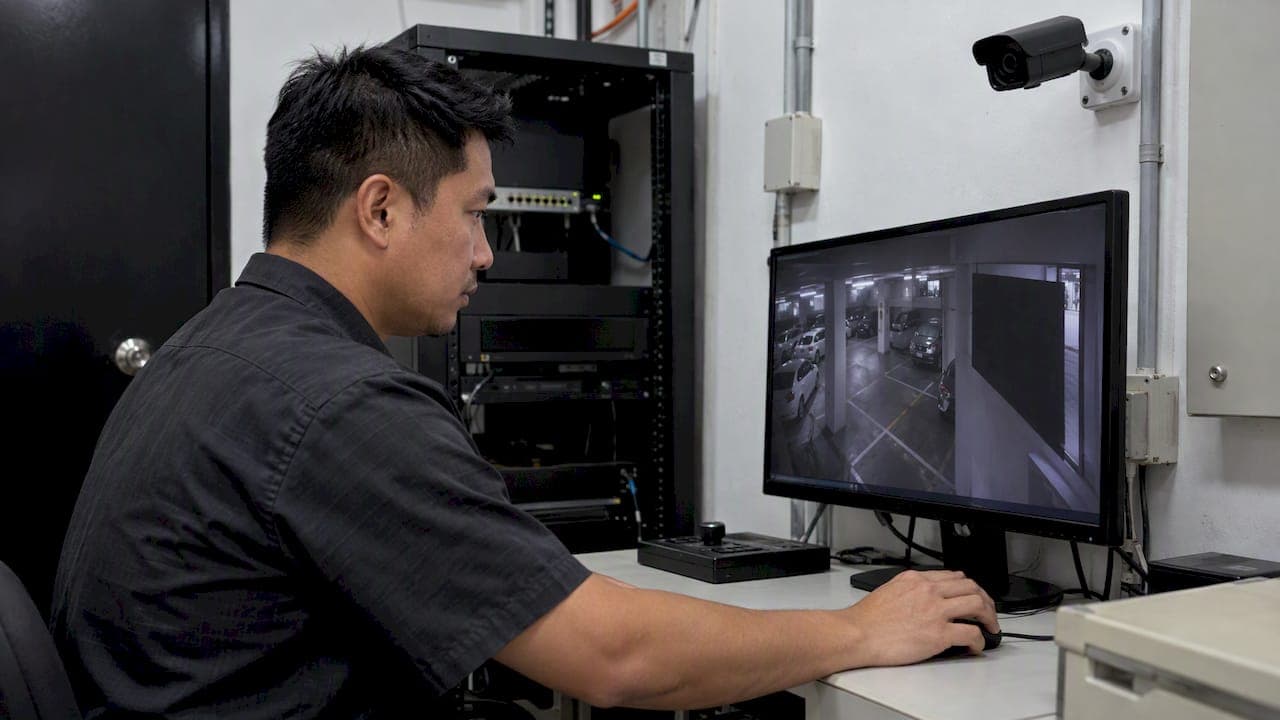
Privacy Masking for CCTV in Singapore: Setup and PDPA Guide

Privacy masking hides parts of a camera's view, or the people in it, so that footage can serve security without exposing personal data it has no need to capture. In Singapore there are two jobs to do. One is a fixed mask on the camera, which blocks a neighbor's window or a restroom corridor. The other is redaction at the point of disclosure, which hides third parties when you hand footage to someone who has asked for it. This guide covers both, with a setup sequence you can follow and the PDPA points that decide how much masking you need.
TL;DR
- Use a static mask for fixed areas that should never be recorded. Use AI-based dynamic masking when people, faces or plates must be hidden while the scene moves.
- Under the PDPA, you generally mask third parties when giving an individual their own footage, but footage from publicly accessible areas can often fall under an exception.
- The PDPC names solid color, blurred and pixelated masking. Solid color is the most secure, because blur and pixelation can leave identifiable outlines.
- Mask at the camera for what you must never capture. Redact at export for what you must capture but cannot disclose.
- Document the purpose, the mask map and who may lift a mask. Compliance is judged on reasonableness.
Table of Contents
- What privacy masking is, and what it is not
- Static masks and AI-based dynamic masks
- What the PDPA means for masking
- Setting up privacy masking, step by step
- When static masking is not enough
- Where masking goes wrong
- Our perspective
- Fitting masking into a wider security design
- Working with us on masking and redaction
- FAQ
- Sources
What privacy masking is, and what it is not
Privacy masking, also called a privacy mask, video masking or video redaction, is the concealment of parts of video or still images to protect personal data. The PDPC's advisory guidelines describe three common forms:
- Solid color: no detail or movement can be seen in the masked area.
- Blurred: detail is softened but the shape of the scene remains.
- Pixelated: a partial outline can still be seen.
It is not a substitute for a lawful purpose, a notice at the entrance or a retention policy. It is also not the same as a motion-detection zone. Many consumer cameras let you choose zones to trigger alerts, but that only changes where alerts fire. The camera still records the whole frame. A true privacy mask removes the pixels before they are stored or streamed, so check that your camera's feature does that.
Static masks and AI-based dynamic masks
Practitioners separate two approaches, and the right one depends on what you are protecting.
| Factor | Static mask | AI-based dynamic mask |
|---|---|---|
| What it covers | A fixed region of the frame | Moving subjects such as people, faces or license plates |
| Typical use | Neighbor windows, private units, staff-only rooms | Public-facing areas, disclosure of footage, analytics where identity is not needed |
| Handles scene motion | No, the zone is fixed | Yes, it tracks the subject |
| Lighting | Works the same in any light | Works indoors and outdoors in varying light, unlike motion-based masking, which suits stable lighting |
| Main risk | Camera drift or a PTZ move exposes the area | Missed detections at difficult angles, so it needs review |
| Where it is applied | On the camera or recorder | Usually in software, live or on export |
The two are complementary. A condominium's lobby camera might carry a static mask over a unit window across the road, and a software layer that redacts residents when footage is exported.
What the PDPA means for masking
The PDPA does not prescribe a masking technique, camera placement or resolution. It asks whether an organization acted reasonably for its stated purpose. That is why the reasoning you write down matters as much as the settings you choose.
Access requests: mask third parties
When an individual asks for footage of themselves, you generally have to protect other people in it. The PDPC guidelines say organizations should mask the images of third parties when providing the footage, unless an exception applies. As of the May 2024 revision, no minimum resolution is prescribed, and you can provide footage in the resolution and format you normally hold for your own operations.
Public areas: you may not need to redact
A common misconception is that every face must be redacted in every export. If the footage was captured in an area accessible to the public, the publicly available data exception can apply, which can save a great deal of redaction effort. Do not assume it. A lift lobby inside a locked office floor is a different case from a shopping mall concourse. Decide camera by camera and record the reasoning.
Notification and boundaries
The same guidelines do not require you to publish the exact location of each camera. Notifying that CCTV is deployed in a general locale is acceptable. Place the notice at entry points or other prominent spots where people can read it before their data is collected, state the purpose such as security, and say whether audio is also recorded. Use reasonable judgment when a camera sees beyond your boundary. That is the main reason static masks exist.
Retention
You are not required to delete footage on request, but you must stop retaining personal data once the original purpose no longer applies and no legal or business need remains. Masking at export does not replace a retention schedule. We cover that side in our note on CCTV data retention rules and on video redaction before auto-overwrite.
Setting up privacy masking, step by step
The menu names vary by manufacturer, but the sequence is the same on most professional cameras and recorders.
- Define the purpose and the no-capture zones. Walk each camera's field of view with the facility manager. List what is outside your legitimate purpose: a neighbor's window, a prayer room, a changing area, a PIN pad, a screen showing confidential data.
- Fix the camera first. Lock the mounting, lens zoom and focus. A mask drawn on a camera that later drifts leaves a gap. If the camera is a PTZ, confirm the mask follows pan, tilt and zoom, and test the extremes.
- Draw the mask. In the camera's web interface, open the privacy mask setting, enable it and draw each region. Most cameras support a limited number of regions, so group nearby areas into one shape. Draw slightly larger than the object, since a tight mask fails when conditions shift.
- Choose solid color. Because the PDPC notes that blurred and pixelated masks may be less secure, as outlines can still be identifiable, a solid mask is the safer default for areas that must stay hidden.
- Verify the recorded stream, not just live view. Pull a clip from the recorder and from any secondary stream or cloud copy. Confirm the masked area is blank in all of them and in exports.
- Set access control on the mask itself. Restrict who can change or delete a mask. Log every change. A mask that any operator can switch off is a weak control.
- Document it. Keep a mask map per camera: a screenshot, the reason, the date, the approver and the next review. Review after any camera move, lens change, renovation or firmware update.
- Plan the disclosure workflow. Decide who handles access requests, which tool redacts third parties, how exports are checked frame by frame and how long you take to respond.
Quick checks that catch most failures
- Reboot the camera and confirm masks persist.
- Test at night with infrared on.
- Zoom the PTZ to its widest and narrowest views.
- Open an exported file in a different player.
- Check that analytics see the masked frame or the raw one, and that you intended that.
When static masking is not enough
Static masks fail where the sensitive element moves: people walking through a corridor, visitors at a reception desk, vehicles at a gate. Here dynamic masking is the better fit. AI models detect people, faces or plates and obscure them frame by frame, live or in post-processing, without hand-drawn boxes.

A more advanced pattern is selective unscrambling. Researchers working on privacy-preserving surveillance describe obscuring individuals automatically and letting authorized personnel reverse the mask under strict governance when an incident occurs. This keeps everyday viewing private while preserving evidential value. It depends on process as much as technology: who can unmask, on whose approval, with what log.
The PDPC takes the same practical view that security and privacy need not be a trade-off. Masking third parties in access requests lets you meet your obligations without weakening the evidential value of the system as a whole.
Where masking goes wrong
Masking the wrong layer. Hiding pixels in the viewing software while the recorder stores the raw feed does not protect anyone who can export the recording.
Using blur for sensitive zones. A blurred window can still reveal movement and shape. Use solid color for areas that must stay private.
Over-masking evidence. Covering an entire doorway, or the whole face of every person in an incident clip, can make footage useless to police or insurers. Mask the narrowest area that meets the purpose, and keep an unmasked original under controlled access for as long as your retention rules allow.
Forgetting audio. If a system records sound, masking the picture leaves the conversation intact. The PDPC guidelines ask you to state in the notice whether audio is recorded.
Treating the setting as permanent. Trees grow, buildings go up, cameras get nudged by cleaners. Schedule reviews.
Redacting by hand at scale. Manual frame-by-frame redaction is slow and error-prone when requests are frequent. This is where automation pays back.
Our perspective
Most of the teams we speak with in Singapore do not have a masking problem. They have a governance problem that shows up as a masking problem. The camera has a mask feature, but nobody knows which cameras use it, who approved the zones or what happens when a request lands on a Friday afternoon.

We would put the order of work like this. First, decide the purpose for each camera, because that decides everything else. Second, remove what you should never capture, at the source, with a solid static mask. Third, treat disclosure as a workflow with an owner, a tool and a checklist. Fourth, use AI where the subject moves and the volume is high, because that is where manual effort breaks down. AI never blinks, but it still needs a reviewer, and the reviewer needs a clear rule for when to unmask.
We also think multi-vendor sites deserve honesty. Real facilities run mixed cameras, recorders and analytics from different eras. A masking policy that works only on one brand is a policy with holes. That is why our work centers on unified, exception-based operations and technical validation for regional compliance, and why we pair masking decisions with the privacy-by-design thinking in our seven principles for surveillance teams and the broader practitioner's guide to data privacy in sensing.
— Eumir
Fitting masking into a wider security design
Masking is one control among several. Role-based permissions decide who can see unmasked video, and retention settings decide how long any of it exists. Analytics decide what the system looks at in the first place. Our guide to role-based access control for Singapore security teams explains how to tie viewing and export rights to job function, and our overview of security compliance frameworks across Southeast Asia helps if you operate beyond Singapore.
If your sites also span the Philippines, note that the National Privacy Commission has issued its own advisory on CCTV systems. Requirements differ by country, so do not carry a Singapore setup across the border without checking.
Working with us on masking and redaction
If you are a system integrator, facility owner or corporate security team planning masking across a mixed estate, our Solution Integration service is built for multi-vendor deployments, and our BeyondWatch line covers AI-powered video analytics and dashboards. Integrators who want to bring this capability to their own clients can look at SI Channel Enablement. For a first conversation about your camera estate, start from BeyondSensor.
FAQ
Do I have to mask everyone's face in CCTV footage I give to someone?
Not always. When an individual asks for footage of themselves, you generally need to mask third parties, but footage captured in areas accessible to the public can often rely on the publicly available data exception. Check each case against the PDPC guidelines and keep a note of your reasoning.
Is blurring good enough, or should I use a solid mask?
The PDPC lists solid color, blurred and pixelated masking as options, and notes that blurred or pixelated versions can be less secure because outlines may remain identifiable. For fixed areas that must stay hidden, a solid mask is the safer choice. Blur may suit cases where some context is useful and identity is not at risk.
Do I need to tell people where each camera is?
No. The guidelines accept notification of CCTV deployment in a general locale, rather than exact camera positions. You should still place clear notices at entry points or prominent spots, state the purpose, and say whether audio is recorded.
Does privacy masking stop me keeping footage as evidence?
It should not, if you mask narrowly and keep controlled access to the original. The PDPC position is that privacy and security are not a zero-sum choice. Keep originals only for as long as your documented purpose and retention rules justify.
Can a mask be lifted when an incident happens?
With dynamic masking, many systems allow authorized staff to reverse the mask. Research on selective privacy protection supports this approach under strict governance. Define who can unmask, who approves it and where it is logged before you need it.
Sources
- Advisory Guidelines on the PDPA for Selected Topics (revised May 2024), PDPC
- Selective privacy protection for video surveillance
- NPC Advisory No. 2020-04 on CCTV, Philippines
Recommended
Read More Articles
Line Crossing Detection: How Virtual Tripwires Work
How line crossing detection works, where it beats motion alerts, how to place and tune a virtual tripwire, and what Singapore's PDPA expects from you.
Geofencing Alerts for Site Security: Setup Guide for Singapore
How to design geofencing alerts that flag real security events, cut alert fatigue and stay within PDPA and IPA rules at Singapore sites.
CCTV Operator Training in Singapore: Skills, Courses and Costs
What CCTV operator training involves in Singapore: the PRSF course, fees and subsidies, the 31 December 2026 deadline, and skills for AI-assisted control rooms.
Role-Based Access Control: A Practical Guide for Singapore Security Teams
How role-based access control works, where it breaks (role explosion, stale roles), and how to apply it to both cyber and physical security in Singapore.
Let's Build YourSecurity Ecosystem.
Whether you're a System Integrator, Solution Provider, or an End-User looking for trusted advisory, our team is ready to help you navigate the BeyondSensor landscape.
Direct Advisory
Connect with our regional experts for tailored solutioning.