
Discover essential CCTV data retention rules for security teams. Learn how to set justified policies and align system settings effectively.
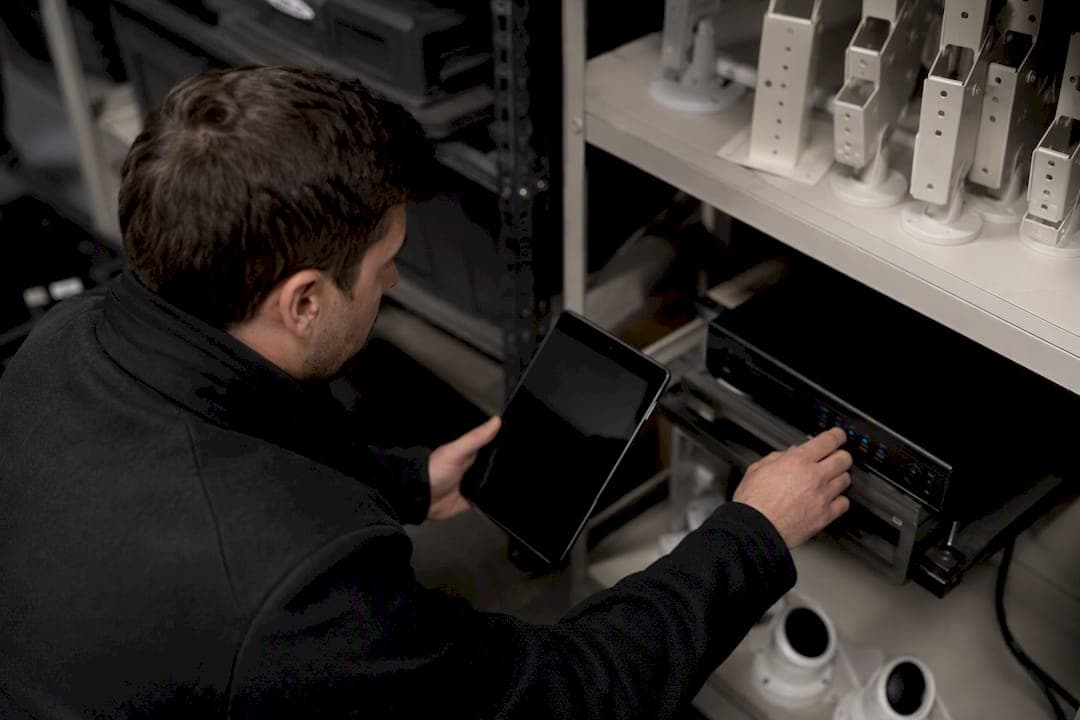
CCTV Data Retention Rules Every Security Team Should Set
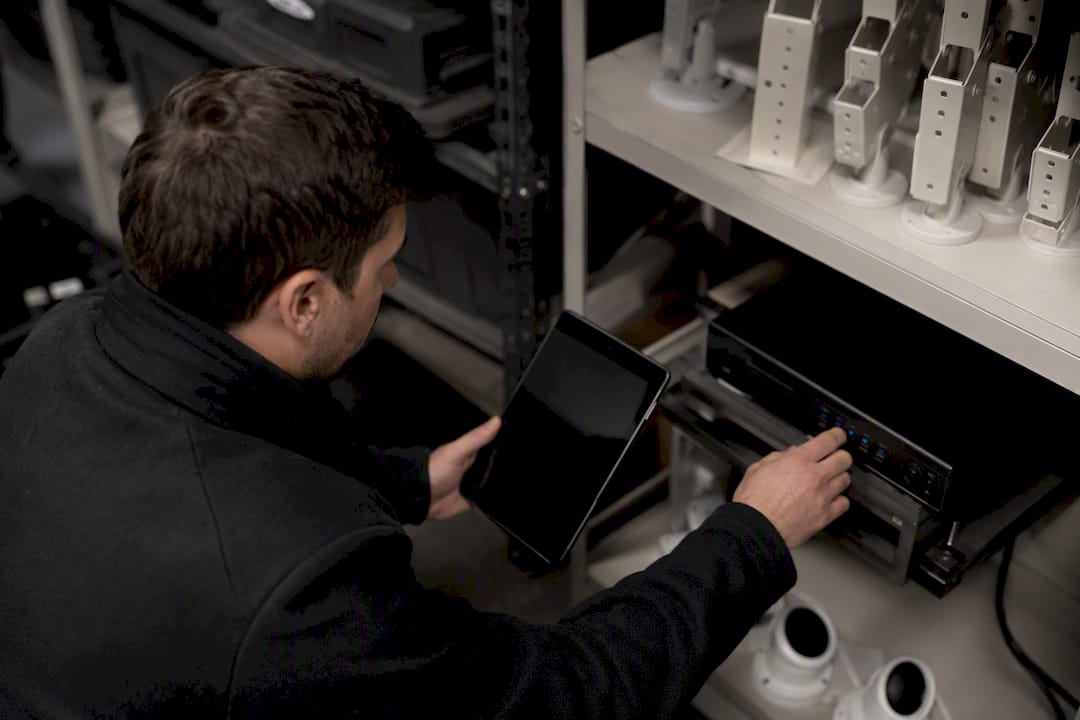
There is no universal legal number for how long you must keep CCTV footage. The defensible answer is a documented, purpose-based retention period, and 30 days is a common industry baseline, but only when you can justify it against how you actually use the footage.
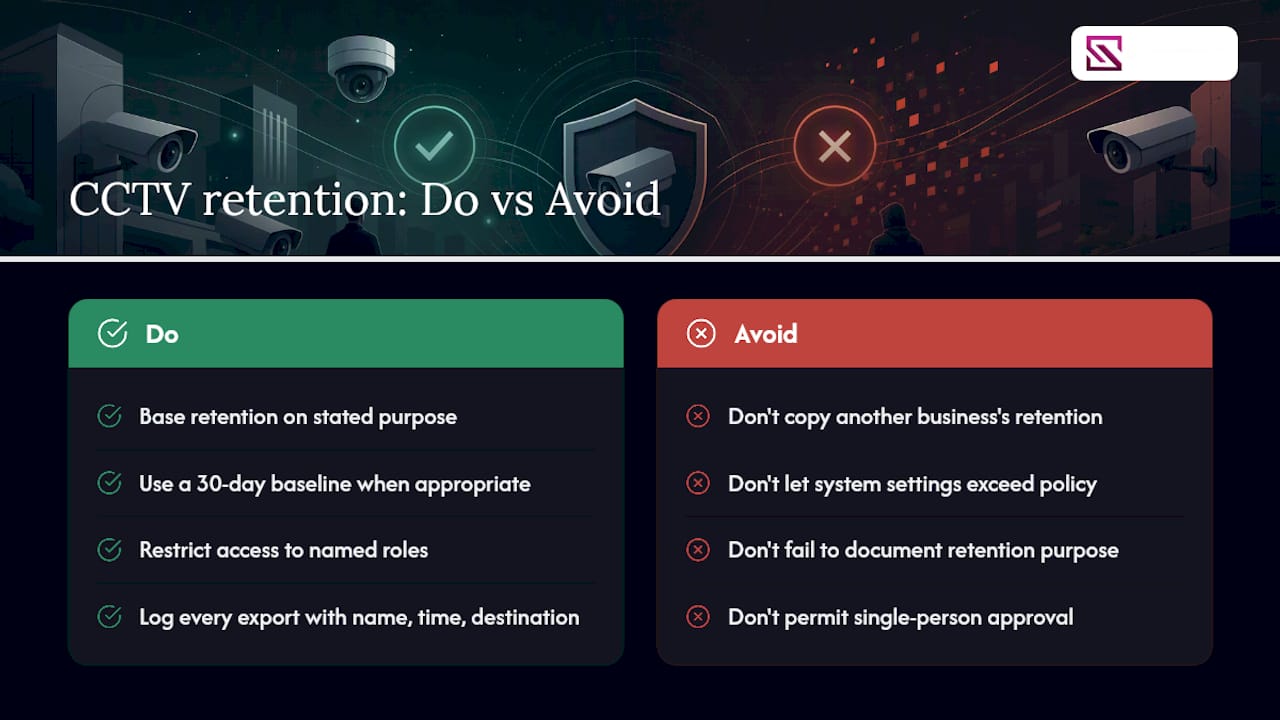
- Write down the retention period per camera group and the reason behind it.
- Configure the actual system overwrite setting to match the written policy, not a longer default.
- Flag any clip tied to an incident before the overwrite cycle deletes it.
Pro Tip: A written policy that says "30 days" means nothing if your NVR is still configured to overwrite at 90. Check the actual system setting, not just the document. Later sections cover the audit logs and export drills that prove your setup actually matches your policy.
Key Takeaways
A defensible CCTV retention period is purpose-based, documented per camera group, and verified against the system's actual overwrite configuration rather than assumed from the written policy alone.
| Point | Details |
|---|---|
| Document purpose first | Assign a lawful basis and purpose to each camera group before setting any retention number. |
| Match policy to system config | Verify the NVR's actual overwrite setting matches the written retention period, not the factory default. |
| Use risk to set duration | Low-risk areas often justify 14 to 30 days; cash handling or high-risk zones may justify 30 to 90 days. |
| Test export readiness quarterly | Time short, medium, and large exports and log the results in your policy. |
| Map retention to system settings | Beyondsensor helps integrators align retention policy with NVR configuration and test export readiness before an investigation demands it. |
Table of Contents
- Why You Record: Purpose and Lawful Basis for CCTV Data Retention
- How to Decide an Appropriate CCTV Video Retention Period
- Secure Storage, Access Controls, and Who Can View Footage
- How to Delete CCTV Footage Safely and Prove It Happened
- Signage, Privacy Notices, and Data Subject Rights Requests
- Operational Readiness: Testing Your CCTV Export and Forensics Process
- Drafting a CCTV Retention Policy That Survives an Audit
- Retention Examples by Camera Location and Use Case
- What Most Retention Policies Get Wrong
- How Beyondsensor Supports Compliant CCTV Retention
- Frequently Asked Questions
- Sources
Why You Record: Purpose and Lawful Basis for CCTV Data Retention
Retention periods only make sense once you have named the purpose behind each camera. Singapore's PDPC requires that personal data, and that includes CCTV footage, not be kept longer than necessary for the purpose it was collected for, and expects you to document that rationale.
Most commercial deployments fall into a handful of purposes, each with different retention implications:
- Security and asset protection: covers break-ins, vandalism, and perimeter incidents.
- Loss prevention: retail theft, till discrepancies, warehouse shrinkage.
- Health and safety: slip-and-fall claims, workplace incident investigations.
- Access control verification: who entered a restricted area and when.
Each camera or camera group needs its own lawful-basis note in your policy file, not a blanket justification for the whole site.
Pro Tip: Map retention to how long it typically takes to discover a problem, not how long it takes to investigate one. A shoplifting incident is usually flagged same-day; a payroll fraud pattern might not surface for six weeks. Set the number to the discovery window, then add investigation time on top.
How to Decide an Appropriate CCTV Video Retention Period
There is no shortcut formula, but there is a repeatable set of factors that produces a defensible number for each camera group.
- Purpose: loss prevention and safety incidents typically surface faster than fraud or long-run patterns.
- Discovery window: how long it usually takes before someone notices something happened.
- Risk profile of the location: cash handling and high-value storage justify longer holds than a lobby camera.
- Sector or regulator requirements: some licensed industries carry specific retention mandates.
- Contractual obligations: insurers or landlords sometimes require a minimum period in writing.
- Storage cost and export time: longer retention means more storage and slower search through backlog footage.
For most low-risk commercial areas, 14 to 30 days covers the typical discovery window, and industry guidance treats 30 days as a common, defensible baseline for general business use. High-risk areas such as cash rooms or loading docks often justify 30 to 90 days. Anything beyond that needs a specific reason on file: an open investigation, a legal hold, or a regulator or contract clause that says so explicitly.
Secure Storage, Access Controls, and Who Can View Footage
A retention period is only as good as the storage protecting it. Footage sitting on an unencrypted NVR with a shared admin password is a liability no matter how tight your written schedule is.
- Encrypt footage at rest and in transit, and lock export functions behind role-based accounts.
- Restrict live and playback access to named roles, not a shared login everyone uses.
- Require two-person approval for exports involving sensitive areas like HR offices or cash rooms.
- Log every access event and every export: who, when, which clip, and why.
The Surveillance Camera Code of Practice frames this as controlled access paired with forensic integrity: footage has to stay unaltered and traceable from capture to export.
Pro Tip: Audit your access logs monthly, not just when something goes wrong. A gap in the log is often the first sign that someone bypassed the proper export process.
How to Delete CCTV Footage Safely and Prove It Happened
Deletion needs the same rigor as storage, and using a compliance automation framework can help ensure your retention processes align with privacy laws. Most systems handle it two ways.
- Automated overwrite: the standard path for routine footage once the retention window closes; confirm the configured cycle matches your written policy.
- Manual deletion: used for exceptions, like footage exported for an investigation that later gets cleared for removal.
- Deletion logging: every deletion, automatic or manual, should generate a record with date, method, and operator.
- Legal hold override: flagged clips tied to an active investigation or dispute must be pulled out of the automatic cycle and preserved separately until the hold is lifted.
ICO guidance is direct on this point: deletion has to be secure and the process has to be documented well enough to survive a review.
Signage, Privacy Notices, and Data Subject Rights Requests
Transparency isn't optional, and it isn't just a sign on the door.
- Signage should state that CCTV is in operation, the purpose, and where to find the full policy or contact a responsible officer.
- Publish a designated contact, often a Data Protection Officer or equivalent, for privacy questions and access requests.
- When someone requests their own footage, don't delete anything that might fall within scope of the request while it's pending, and use redaction tools to protect bystanders who appear in the same clip.
- Set a response timeline and stick to it; the ICO's post-deployment guidance flags premature deletion during an active request as a common failure point.
Operational Readiness: Testing Your CCTV Export and Forensics Process
A retention policy that has never been tested against a real export request is a policy on paper only.
- Identify the clip and camera source quickly using timestamp and location metadata.
- Apply a legal hold to prevent the clip from being overwritten during review.
- Export in native format, preserving metadata rather than a compressed screen recording.
- Create an audit record of the export: operator, timestamp, destination.
- Deliver to the requesting authority or internal investigator through a logged handoff.
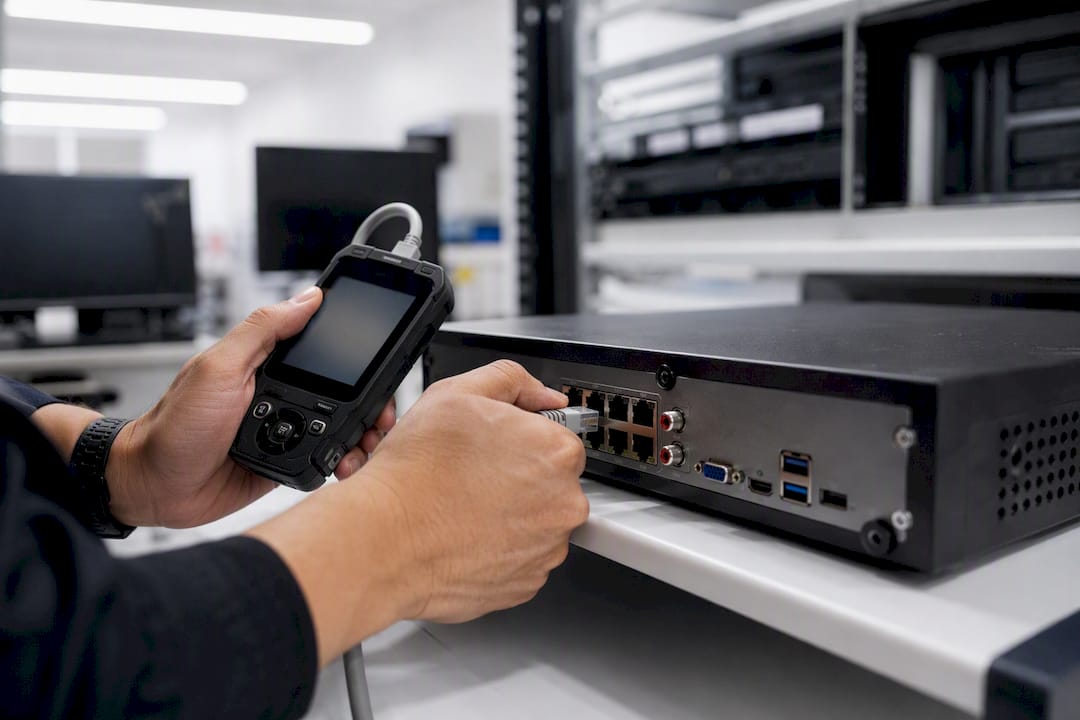
UK police requirements for CCTV systems call for exactly this: native-format export, accurate metadata, and operators who know their own export times cold. Run a tabletop drill quarterly and a hands-on export test after any major system change.
Pro Tip: Time your exports for a short clip, a full day, and a full week, then write those numbers into your policy. When a real request comes in, you'll already know whether you can meet the deadline.
Drafting a CCTV Retention Policy That Survives an Audit
A retention policy earns its credibility from what's actually in it, not from its existence.
- Full camera inventory with purpose statements per camera or group.
- Retention period assigned to each group, with the justification written next to it.
- Deletion method (automated overwrite vs. manual) and who's responsible for verifying it.
- Exception process for legal holds and flagged clips.
- Named roles: who approves exports, who handles access requests, who owns the policy.
- Review schedule, typically annual or triggered by any system change.
Version every update and keep a change log. A step-by-step compliance guide can help structure this if you're building the document from scratch. Publish a summary version wherever your signage points people, so the transparency obligation and the internal document actually connect.
Retention Examples by Camera Location and Use Case
These are starting points, not defaults to copy without justification.
- Retail sales floor: 30 days, matched to typical loss-prevention discovery windows.
- Loading bay or warehouse dock: 14 days, unless shrinkage patterns require longer review.
- High-risk cash handling or vault access: 30 to 90 days, justified by fraud investigation timelines.
- Public-facing lobby or reception: 14 to 30 days for general safety and access verification.
The higher end of any range only holds up when there's a documented investigation, a legal hold, or a specific regulator or contract requirement behind it. Copy the number, and you inherit none of the justification that makes it defensible.
What Most Retention Policies Get Wrong
The gap that shows up most often isn't the written policy, it's the system configuration underneath it. A company writes "30 days," feels compliant, and never checks that the NVR is actually set to overwrite at 30 days instead of the factory default of 90 or 120.
Export readiness is the other blind spot. Teams assume they can retrieve footage fast because the system is new, then discover during a real request that nobody knows the actual export time for a week-long clip, or that the footage exports in a proprietary format the requesting party can't open. Run the drill before you need it, and align your retention decisions with what your incident response team can genuinely act on within the window you've set.
How Beyondsensor Supports Compliant CCTV Retention
Beyondsensor gives system integrators and facility teams the tools to close the gap between a written retention policy and what the system actually does, without ripping out existing infrastructure to get there.

Getting retention right means the policy document, the NVR configuration, and your export capability all say the same thing. Beyondsensor's platform for system integrators helps map policy periods directly to system settings and supports export testing so you're not discovering gaps during a real investigation. If you're still sizing out storage for a new retention schedule, the CCTV storage calculator will estimate what different retention windows cost across your camera count before you commit. Start there, then reach out for a walkthrough of how the mapping works on your existing setup.
Frequently Asked Questions
What is the standard data retention period for CCTV footage? There's no single mandated number. Many businesses use a 30-day baseline for general-purpose cameras, but the PDPC and ICO both require that the period be justified by purpose, not copied from another business.
Does ANPR data retention in Singapore follow the same rules as general CCTV? ANPR captures vehicle plate data, which is personal data under PDPC's framework, so the same purpose-limitation and documentation principles apply. Retention still has to match a stated purpose, such as parking enforcement or access control, rather than an arbitrary system default.
Who should be allowed to view or export CCTV footage? Access should be restricted to named roles with a business reason to view footage, and every export should be logged with the operator's name, timestamp, and destination. Sensitive exports, like footage from HR offices, often warrant a two-person approval step.
What happens if my retention policy doesn't match my system settings? This is one of the most common findings during a compliance review. If your policy states 30 days but the NVR overwrites at 90, you're retaining data longer than your own documented purpose allows, which undermines your compliance position even without an incident.
Do I need to keep footage longer if it's part of an active investigation? Yes. Any clip tied to an open investigation or legal dispute should be flagged and pulled out of the automatic deletion cycle through a legal hold, then preserved separately with a clear record of why it's being retained beyond the standard period.
This article is general information, not a substitute for advice from a qualified lawyer. Consult a qualified legal professional about your own circumstances before acting on anything here.
Sources
- Pdpc
- How can we comply with the data protection principles when using surveillance systems? | ICO
- Surveillance Camera Code of Practice
- How Long Can You Keep CCTV Footage? UK Retention Rules Explained | CamComply
Recommended
Read More Articles
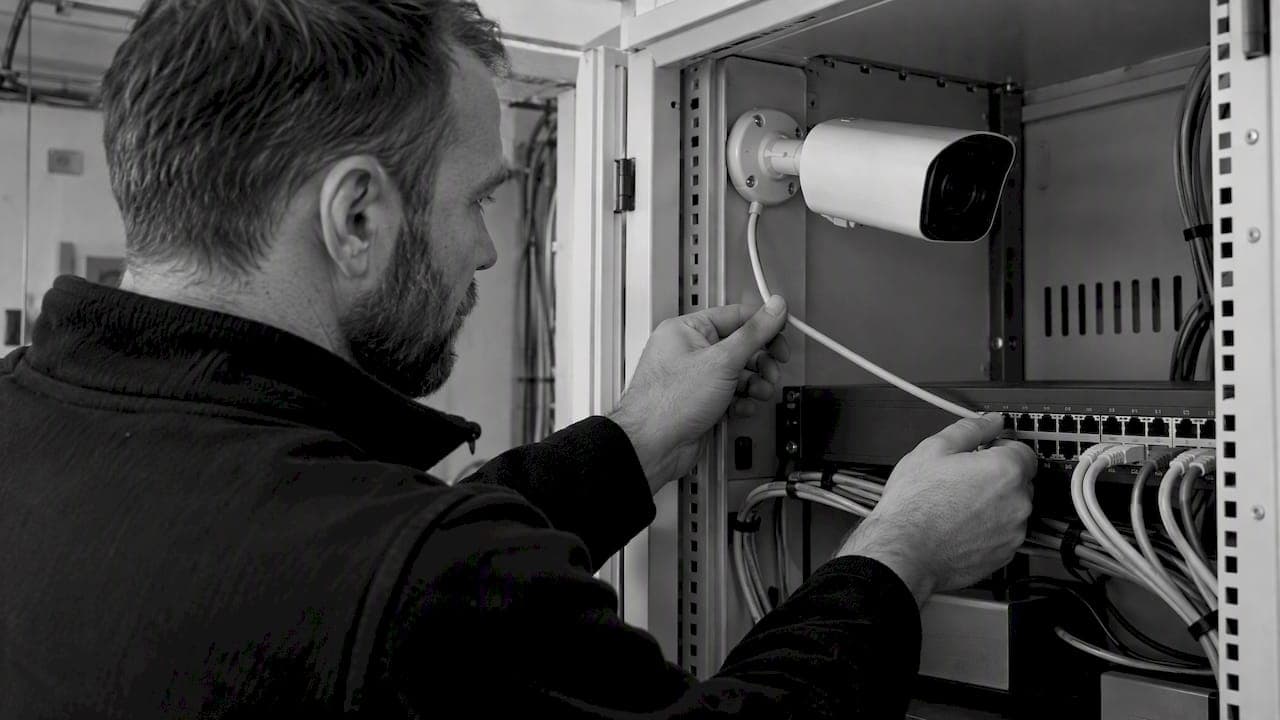
RTSP Security Risks: Integrators Must Block Exposed Ports 554 and 8554
See how integrators can reduce RTSP security risks: close exposed ports 554 and 8554, secure camera access, and verify each deployment with practical checks.
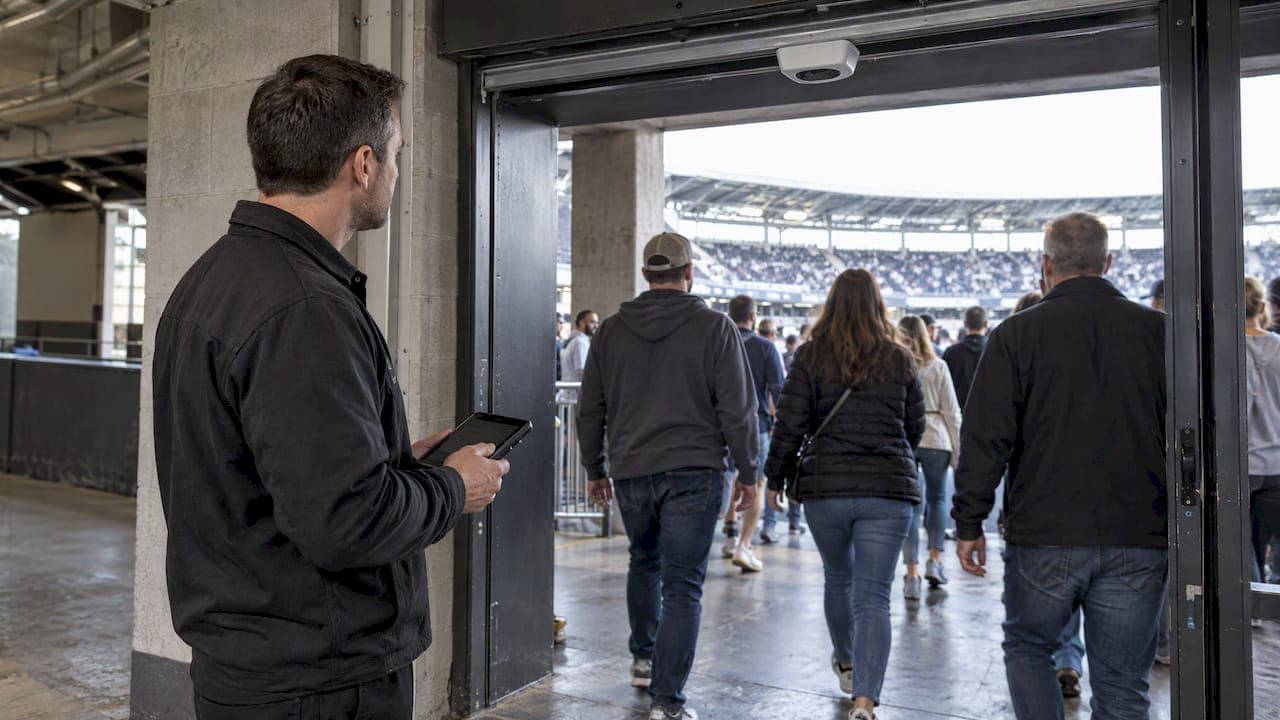
Require MAEpp and X Accuracy Before You Buy People Counting Systems
Verify people counting accuracy by demanding MAEpp, X Accuracy, and directional-bias reports. Validate on-site with at least 100 events per direction...
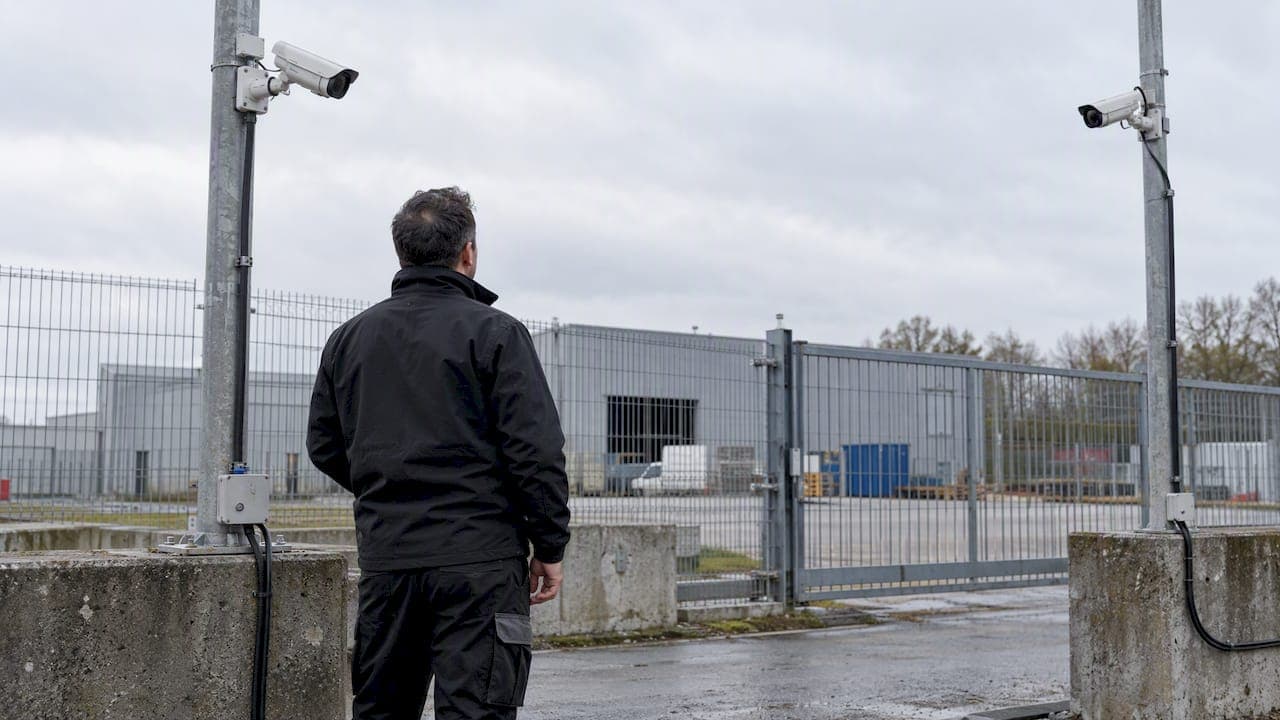
30–90 Day Pilot Validates Redundant Camera Networks for Engineers
Standards led, practical steps for engineers to deploy redundant camera networks: MRP, dual homing, and aggregation patterns, commissioning checks, and...
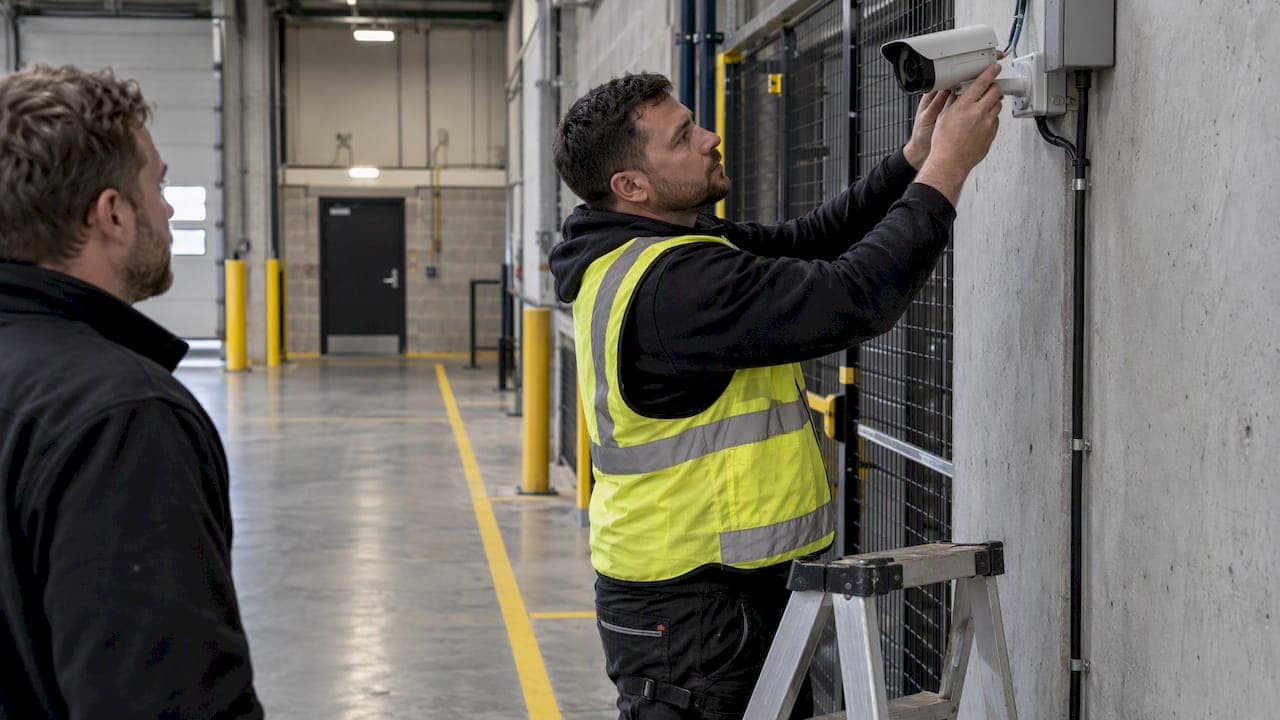
30 Day Pilot Proves Video Analytics Accuracy for Security Teams
Validate video analytics accuracy with scenario tests, camera tuning, transfer learning and a 30 day edge first pilot for security teams.
Let's Build YourSecurity Ecosystem.
Whether you're a System Integrator, Solution Provider, or an End-User looking for trusted advisory, our team is ready to help you navigate the BeyondSensor landscape.
Direct Advisory
Connect with our regional experts for tailored solutioning.