
5 ONVIF profile checks every integrator must run before buying cameras
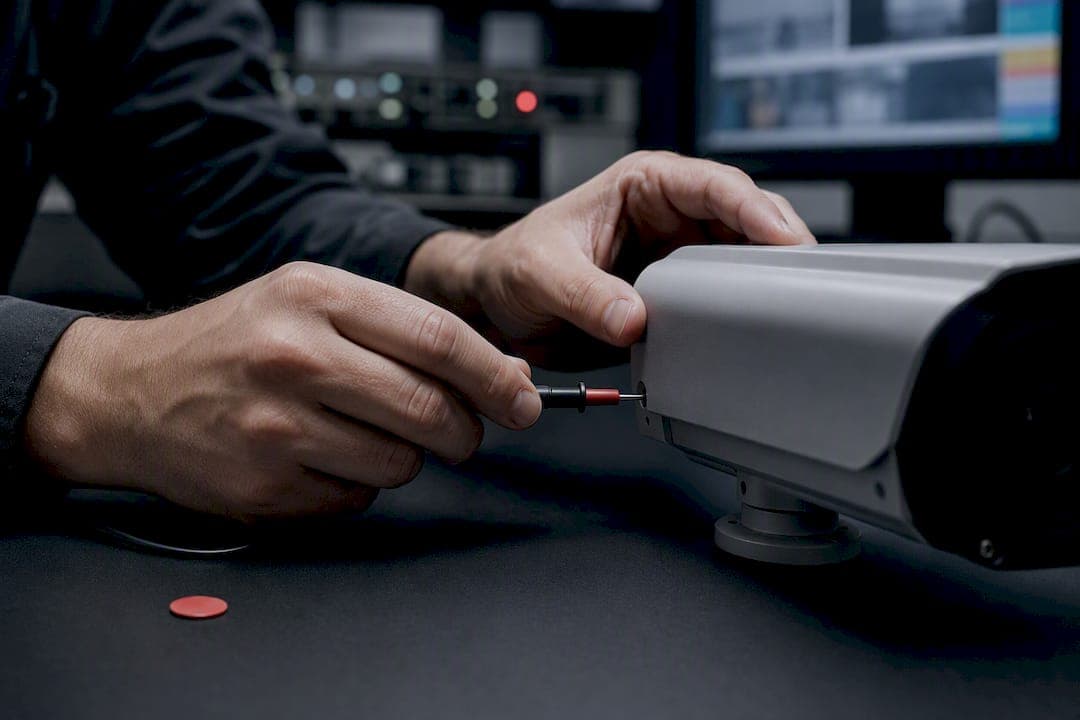
Default to Profile T for new cameras. Add Profile G for local recording and Profile M for analytics. Verify each model on the ONVIF Conformant Products...
5 ONVIF profile checks every integrator must run before buying cameras
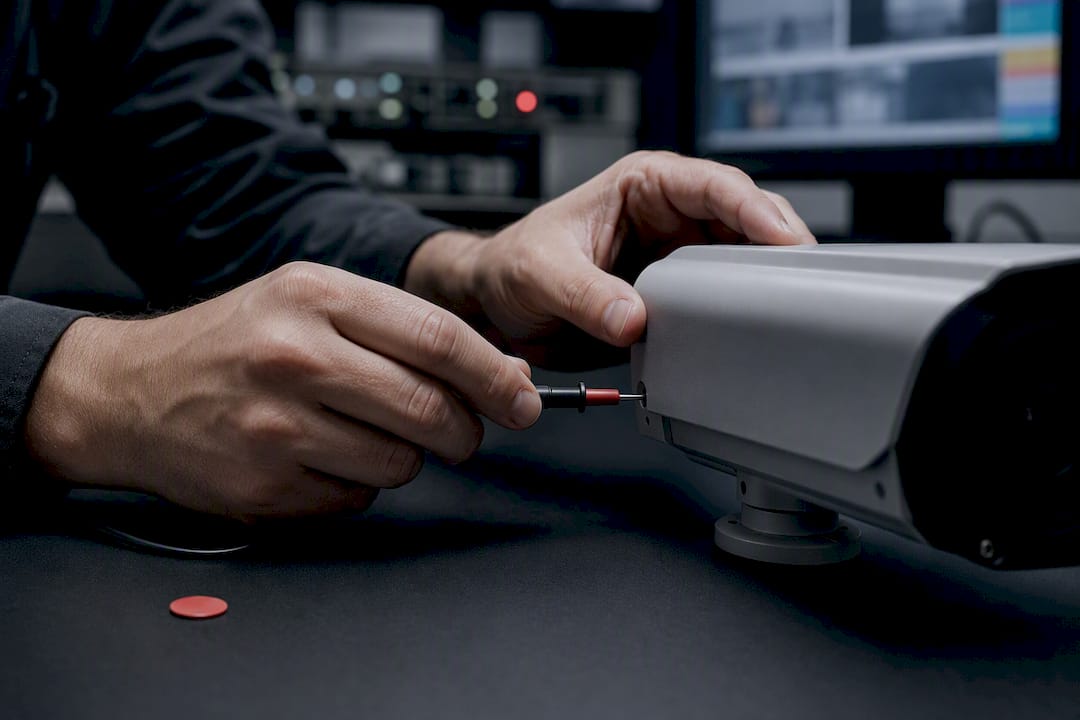
Default to Profile T for new camera installs, add Profile G when local recording matters and Profile M when analytics output needs to be standardized. Confirm each model's conformance on the ONVIF Conformant Products database before signing off on procurement. Treat Profile S as legacy: ONVIF is retiring it, so specify it only where a documented fallback is unavoidable, and watch Profile V if your architecture leans toward cloud-hosted VMS.
TL;DR:
- Most modern cameras combine Profile T with Profile G to support advanced streaming and local recording features, so verifying each profile's conformance separately is essential.
- ONVIF is phasing out Profile S due to outdated authentication, so new projects should specify Profile T and confirm manufacturer firmware updates for existing devices.
- Always check the ONVIF Conformant Products database for exact profile support and demand written conformance evidence during procurement, testing, and handover.
- Pair profile verification with cybersecurity hardening practices, especially during factory acceptance testing, to catch feature gaps before deployment.
- Use a targeted profile clause in RFPs, specify profile requirements per device, and confirm conditional features like audio or analytics in writing to avoid integration issues.
Table of Contents
- What Onvif Profiles Actually Guarantee
- Onvif Profile S vs T vs G vs M: A Breakdown
- Why Onvif Is Retiring Profile S
- How Do You Verify ONVIF Conformance Before You Buy?
- Matching ONVIF Profiles to Your Project Type
- Approaches to ONVIF Profile Selection
- The One Habit That Separates Clean ONVIF Rollouts From Messy Ones
- Get Help Specifying and Validating ONVIF-Conformant Systems
- Sources
- FAQ
What Onvif Profiles Actually Guarantee
An ONVIF profile is a fixed, testable subset of the ONVIF specification. A camera, an NVR, or a VMS platform either conforms to a given profile or it doesn't, and that binary outcome is what makes profiles useful in a multivendor environment. ONVIF profiles do not change after release. That immutability is deliberate: once a device passes conformance testing for Profile T, it stays compatible with every other Profile T device released years later, regardless of manufacturer.
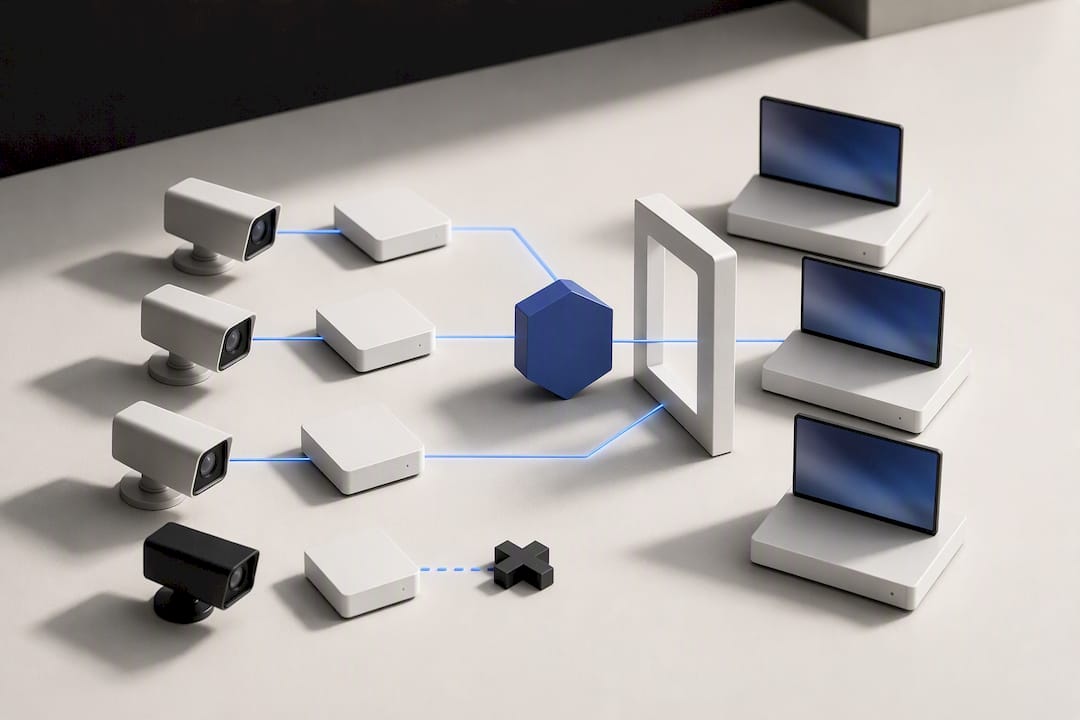
That rigidity is also why ONVIF built a separate mechanism for innovation. Add-ons deliver modular, updateable features, such as thermal metadata streaming or radar integration, without touching the profile's stable core. A device needs conformance to at least one profile before an add-on applies.
The detail integrators miss most often is the split between mandatory and conditional features inside a single profile:
- Mandatory features every conformant device must support, full stop.
- Conditional features apply only if the device implements that particular capability, such as PTZ control or audio.
That's why a Profile T label alone doesn't tell you whether a camera does two-way audio or edge analytics. You still need to check the ONVIF Profile Feature Overview against the exact function your project requires.
Onvif Profile S vs T vs G vs M: A Breakdown
Eight profiles are currently active or emerging, each targeting a distinct slice of a security system. Here's how they map to real deployment scenarios.
- Profile S covers basic streaming over H.264, PTZ, and audio. It's the oldest widely deployed profile and now sits in legacy status as ONVIF phases it out.
- Profile T handles advanced streaming, including H.265 support, embedded motion and tampering analytics, bidirectional audio, and richer event handling. This is the current recommended baseline for new installs.
- Profile G governs edge recording and playback, covering storage, search, and retrieval on the device itself. Specify it whenever local SD or NVR-side recording control is part of the scope.
- Profile M standardizes analytics metadata, including bounding boxes and object classifications, and adds an optional MQTT binding so event data can flow to third-party platforms without proprietary integration work.
- Profiles A and C handle access control. Profile A covers configuration of access control systems, while Profile C manages runtime events like door status and credential reads.
- Profile D extends access control to peripherals: card readers, lock relays, and input sensors that sit outside the main controller.
- Profile V, still moving toward final release, targets cloud and VSaaS architectures. It's worth tracking for cloud-native designs, but device-level availability remains thin.
A device rarely conforms to just one profile. Most modern cameras stack Profile T with Profile G, and access control panels commonly pair A with C. Treat each conformance claim as independent. A camera passing Profile T conformance tells you nothing about whether it also passes Profile G.
Why Onvif Is Retiring Profile S
ONVIF confirmed it will end support for Profile S and recommends Profile T as the replacement. The decision comes down to authentication. Profile S relies on username-token authentication, a method that no longer holds up against current cybersecurity guidance for networked devices exposed to the internet or shared VLANs.
Deprecation snapshot: ONVIF has stopped accepting new Profile S conformance submissions and is steering the ecosystem toward Profile T, citing outdated authentication as the core driver behind the move.
Existing Profile S devices in the field will keep working. Nothing shuts off overnight. But the test tools that certify new Profile S products are being phased out, which means the supply of newly certified S-only devices will dry up over time.
Practical migration steps for anyone managing a mixed fleet:
- Stop specifying Profile S in new RFPs; require Profile T instead.
- Check with manufacturers about firmware updates that add Profile T conformance to existing hardware.
- Budget for hardware replacement on cameras where no firmware path to Profile T exists.
- Layer in Profile G or M only where the project actually needs recording or analytics beyond streaming.
Static profiles carry a hidden cost: their authentication mechanisms can't be patched retroactively, which is exactly why older profiles accumulate security risk the longer they stay in service.
How Do You Verify ONVIF Conformance Before You Buy?
"ONVIF-compatible" on a spec sheet is marketing language, not a conformance claim. ONVIF itself pushes integrators to stop accepting vague compatibility statements and instead require explicit profile conformance verification against the official record. Here's the sequence that actually protects a procurement decision:
- Search the model in the ONVIF Conformant Products database and confirm which specific profiles it declares, along with its Declaration of Conformity (DoC).
- Cross-reference the declared profile against the Profile Feature Overview to see which functions are mandatory versus conditional for that profile.
- Confirm codec support directly on the datasheet. A Profile T device only needs to support one qualifying codec to conform, so H.265 is not guaranteed just because the profile label says T.
- Run functional acceptance tests: device discovery,
GetProfiles,GetStreamURI, event subscription, PTZ control if applicable, and recording retrieval if Profile G is in scope. - Request the vendor's conformance evidence in writing and make it a hard requirement in the RFP, not an optional attachment.
Pro Tip: Run your GetProfiles and event subscription tests during FAT, not after the equipment ships to site. Conditional feature mismatches show up fast once you inspect the raw ONVIF responses, and it's far cheaper to catch a codec or event gap on the bench than during a live cutover.
Matching ONVIF Profiles to Your Project Type
Procurement specs should name the profile, not just the acronym "ONVIF." Here's how that translates across common system archetypes.
| Project type | Required profile(s) | Notes |
|---|---|---|
| Basic live-view streaming | Profile T | Allow Profile S only as a documented legacy fallback |
| Analytics-first deployment | Profile T + Profile M | Confirm metadata format matches your VMS or analytics platform |
| Edge-recording hybrid | Profile T + Profile G | Needed whenever local storage search or retrieval is in scope |
| Access control | Profile A + Profile C | Add Profile D if card readers or lock peripherals are ONVIF-managed |
| Cloud / VSaaS | Profile T today, monitor Profile V | Design a gateway approach until Profile V devices reach broad availability |
Build a short profile clause into every RFP: name the required profile per device category, require DoC evidence, and specify that conditional features (audio, PTZ, metadata binding) must be confirmed in writing before award. That single clause closes most of the ambiguity that causes integration headaches during commissioning. For access control specifically, pairing this profile clause with a structured integration plan keeps peripheral compatibility from becoming a change order later.
Approaches to ONVIF Profile Selection
Across integration projects, compatibility and cybersecurity get evaluated together, not sequentially. A device that conforms to Profile T but ships with weak default credentials still fails the deployment standard.
- Cross-check declared profiles against project requirements before a device gets shortlisted.
- Validate event subscription and metadata handoff during commissioning, not after handover.
- Pair profile verification with hardening steps from a camera cybersecurity checklist so authentication gaps don't slip through.
- Document conformance evidence as part of the handover package, matching the compliance practices integrators are adopting heading into 2026.
The One Habit That Separates Clean ONVIF Rollouts From Messy Ones
Default to Profile T, verify every model's actual feature set against the official overview, and never take a spec sheet's word for it. Require conformance evidence in procurement and test it again during FAT and SAT, because that second look is where the real gaps surface.
— Eumir
Get Help Specifying and Validating ONVIF-Conformant Systems
Chasing down conformance declarations across a dozen vendors is the part of ONVIF procurement nobody enjoys, and it's exactly where projects lose time. Beyondsensor's Solution Integration service handles that verification work directly: matching profile requirements to project scope, testing conditional features before hardware ships to site, and documenting conformance evidence for handover.

For system integrators building out a channel, SI Channel Enablement provides onboarding and co-engineering support so your team specifies the right profile mix without relearning ONVIF policy on every project. Sourcing multi-vendor components that already share the profile you need gets easier through Ecosystem Matchmaking, which connects integrators with conformant hardware and software partners across the region. If your architecture involves cloud-hosted VMS, the IoT integration perspective from our partners at AISEO Tech is worth a look while Profile V matures.
Reach out through Ask Beyond to start a technical consultation on your next ONVIF-based deployment.
Sources
FAQ
What Is the Difference Between ONVIF Profile S and T?
Profile S covers basic streaming, PTZ, and audio, while Profile T adds advanced streaming features, embedded analytics, bidirectional audio, and enhanced event handling. ONVIF is retiring Profile S and recommends Profile T for all new installs.
What Does ONVIF User Mean?
An ONVIF user is a credentialed account configured on a conformant device that controls access levels, such as administrator, operator, or viewer, for functions like streaming, PTZ, or configuration changes. User management itself is a mandatory feature across active profiles, though the exact permission structure varies by device.
What Are ONVIF Settings and What Do They Do?
ONVIF settings are the configuration parameters exposed through the standardized ONVIF web services, covering things like video encoder profiles, network configuration, event rules, and user accounts. They let a VMS or NVR configure a camera the same way regardless of manufacturer, as long as both sides share the same profile.
Can You Provide a List of ONVIF IP Cameras?
There's no single universal list, since conformance is declared per model and updated continuously. The authoritative source is the ONVIF Conformant Products database, where you can search by manufacturer and confirm exactly which profiles a specific camera model supports.
Does Beyondsensor Help Verify ONVIF Conformance During Integration?
Yes. Beyondsensor's Solution Integration service includes conformance verification against declared profiles as part of project commissioning, alongside cybersecurity hardening checks.
Recommended
Read More Articles

Stop Silent Failures: Sensor Health Monitoring for Ops & Procurement
Procurement and ops: require heartbeat intervals, drift limits, PDR targets, and network security to stop silent sensor failures.
Secure AI Model Drift in 90 Days: Six Actions for Security Teams
Stop AI model drift breaking security controls. Six actions to finish in 90 days, with monitoring metrics, procurement SLAs, and incident response steps.

Plan 12–18 Month Retraining: Smart City Surveillance for Planners
Practical guidance for planners deploying smart city surveillance: pilot narrowly, with privacy by design, and budget 12–18 months for retraining.
Practitioners: 6 Steps to Choose Environmental Sensors, Avoid Mistakes
Six decision steps for monitoring teams to pick, site, and deploy environmental sensors, with pilot, calibration, and sourcing advice.
Let's Build YourSecurity Ecosystem.
Whether you're a System Integrator, Solution Provider, or an End-User looking for trusted advisory, our team is ready to help you navigate the BeyondSensor landscape.
Direct Advisory
Connect with our regional experts for tailored solutioning.