
Remote Site Monitoring: 72 Hour Buffering, Procurement Checks, and ROI
Operator focused technical guide to remote site monitoring. Specify sensors and gateways, sequence pilots, avoid vendor lock-in, and prove ROI.
Remote Site Monitoring: 72 Hour Buffering, Procurement Checks, and ROI
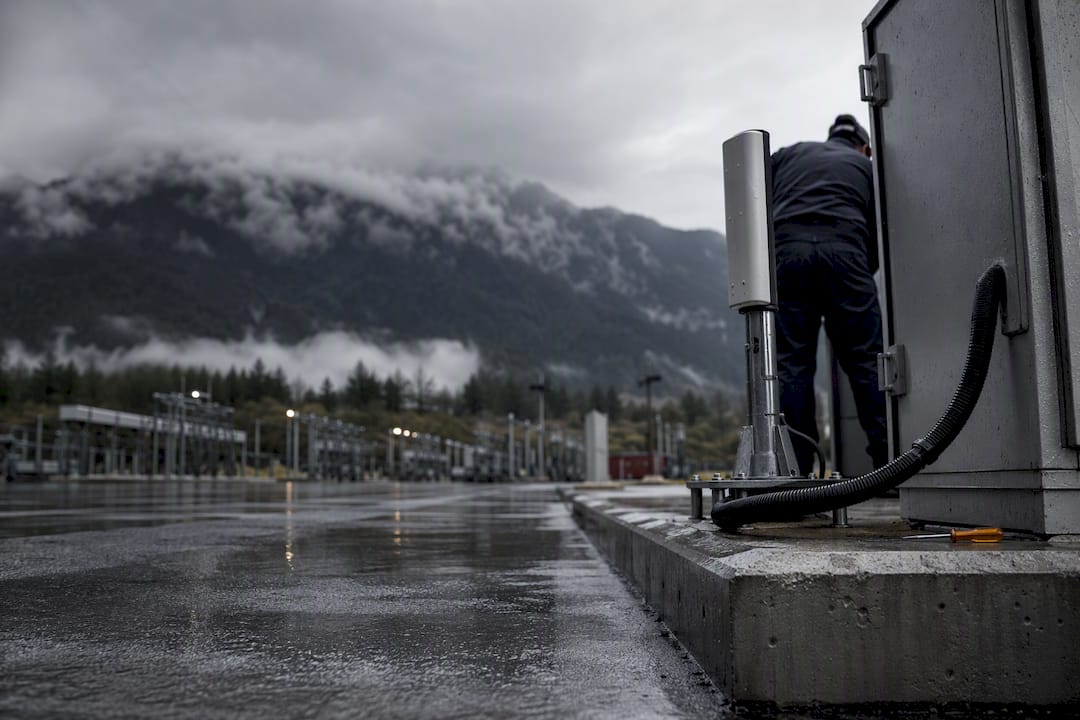
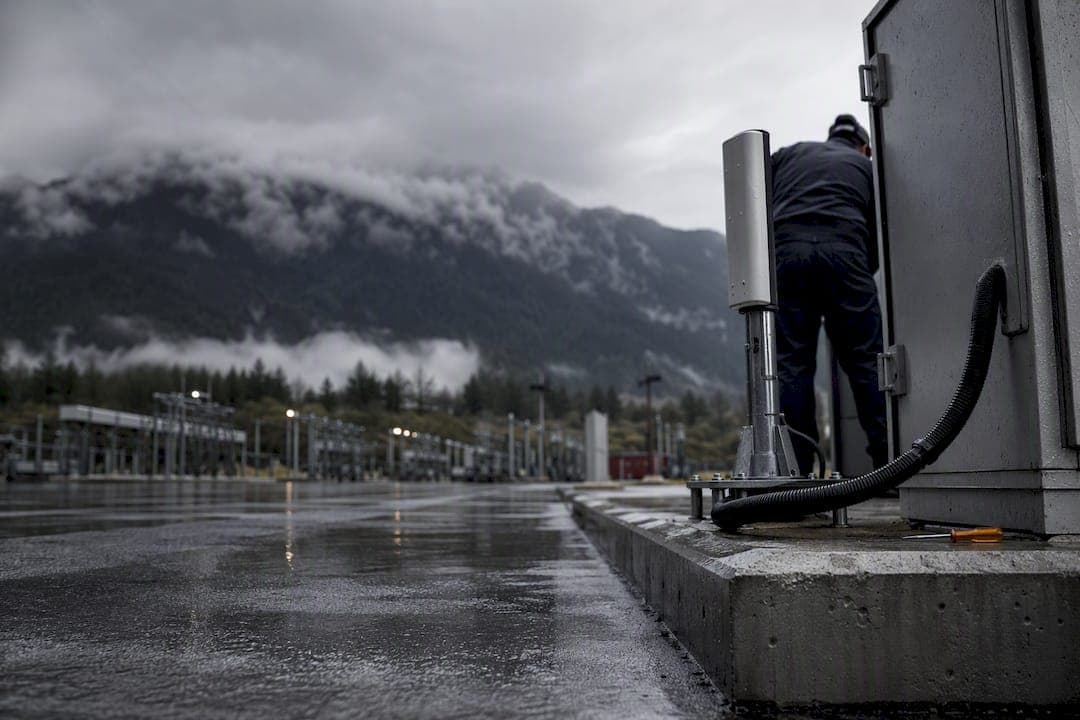
Remote site monitoring combines sensors, connectivity, and software to track power, environment, and security conditions at unmanned or distributed sites, then alerts operators before small issues become outages. The primary benefit is fewer truck rolls and faster mean time to repair, since technicians know what's wrong before they leave the office. Modern systems pair rugged sensors with resilient connectivity and analytics that flag root causes, not just symptoms.
TL;DR:
- Select sensors carefully to match each failure mode; over- or under-sensing can lead to noise or missed alerts.
- Support multiple industrial protocols in gateways and provide local buffering to handle connectivity outages longer than 24 hours.
- Use multi-path redundancy and staged firmware updates to ensure reliable, secure connectivity for critical infrastructure sites.
- Implement outcome-based analytics with normalized data pipelines to avoid false alarms and reduce alert fatigue.
- Start with a pilot deployment, define clear ownership roles, and verify data quality before scaling remote site monitoring across many sites.
Table of Contents
- What Remote Site Monitoring Actually Does
- Hardware You Need to Specify Correctly
- Choosing Connectivity Without Overpaying or Under-Protecting
- Turning Raw Signals Into Decisions, Not Noise
- What Remote Monitoring Actually Costs, and What It Saves
- Procurement Checklist: What to Ask Before You Sign
- Where BeyondSensor Fits Into This Stack
- Sequencing a Deployment Without Blowing the Budget on Round One
- Getting Started With BeyondSensor
- Sources
What Remote Site Monitoring Actually Does
Remote site monitoring differs from a basic alarm panel because it correlates multiple signals, ranks severity, and pushes context to the right technician instead of just tripping a horn. A robust system combines hardware, communication networks, central monitoring software, analytics, and alarm/notification logic to deliver real-time visibility and remote control, according to industry analysis of monitoring system architecture.
Operators commonly track:
- Grid power status and battery voltage
- Generator run state and fuel level
- Cabinet or shelter temperature and humidity
- Door contact and intrusion sensors
- Vibration on rotating equipment
- Backhaul link status and signal quality
Telecom operators use this to catch a failing rectifier before a base station drops. Substation teams use it to spot a battery bank degrading months before it fails. Renewable operators watch inverter faults across dozens of unmanned sites from a single dashboard, cutting scheduled visits to the ones that actually matter.
Hardware You Need to Specify Correctly
Sensor selection drives everything downstream. Get it wrong and you're either drowning in noise or blind to the failure that actually takes a site down.
Match sensors to the specific failure mode you're protecting against:
- Temperature and humidity probes for cabinets and shelters, placed near the equipment that actually overheats, not the room average
- Vibration sensors on generators, HVAC compressors, and rotating machinery to catch bearing wear early
- Fuel level sensors with ultrasonic or capacitive measurement, since float switches drift over years
- Door and contact sensors wired independently of the main alarm loop so intrusion detection survives a power event
- Current transformers on critical circuits to distinguish a tripped breaker from a dead load
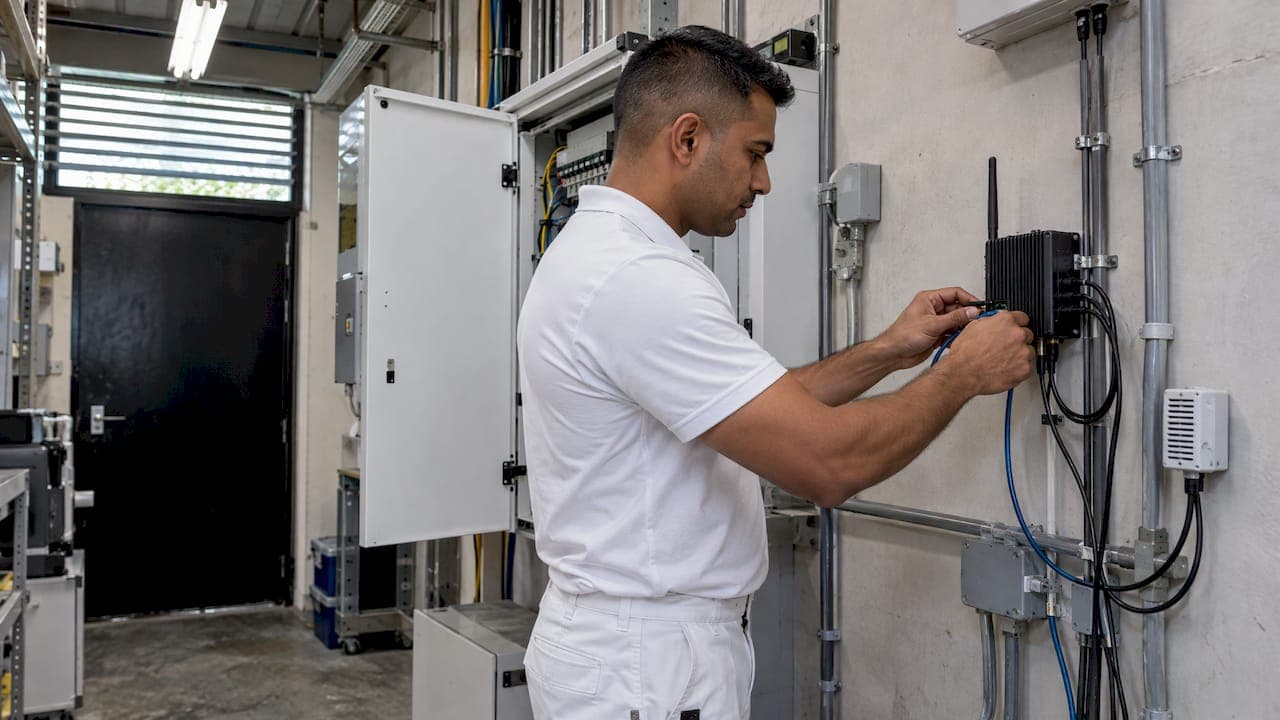
The gateway or RTU sitting between sensors and the network carries real weight in the architecture. It needs to support multiple industrial protocols, most commonly Modbus and OPC UA, so it can talk to legacy generator controllers and newer inverters without a custom driver for each. It also needs local buffering, so a connectivity drop doesn't erase two hours of readings, and staged firmware update capability, so you're not bricking two hundred remote units with one bad push.
Pro Tip: Specify gateways with at least 72 hours of local data buffering. Cellular outages after storms routinely run longer than 24 hours, and that's exactly when you need the data most.
Choosing Connectivity Without Overpaying or Under-Protecting
Connectivity is where most remote monitoring budgets get misallocated, either overspending on satellite links for sites that don't need them or underspending on security for sites that do.
- Cellular works for the majority of sites with reasonable coverage and moderate data needs; it's the cheapest option but degrades during regional outages and carrier congestion.
- Satellite is the right call for sites with no terrestrial coverage, though latency and per-megabyte cost run higher than cellular.
- Private links or VPNs matter most for security-critical infrastructure, where public internet exposure is the actual threat model, not just connectivity reliability.
- Edge processing lets a site keep functioning and alerting locally even when the backhaul link is down, which matters more than most procurement teams initially assume.
For critical infrastructure, deployments increasingly rely on edge probes running inside private or air-gapped networks rather than depending solely on public cloud connections, which reduces both latency and exposure, per Telstra's assessment of IT/OT convergence challenges. Build in multi-path redundancy (cellular as primary, satellite as fallback) for anything you can't afford to lose visibility on, and set retry logic that escalates gracefully rather than hammering a struggling link.
Turning Raw Signals Into Decisions, Not Noise
Threshold-based alerting was the industry standard for years: a value crosses a line, someone gets a text. That model is giving way to outcome-based analytics that suggest a probable cause instead of just flagging a symptom. The industrial IoT shift is moving monitoring from reactive alerts toward outcome-based service contracts that use AI for root-cause analysis, which lets operators sell uptime as a service rather than just selling hardware.
None of that works without a clean data pipeline first. Protocol-agnostic ingestion, meaning your platform can read Modbus, OPC UA, and BLE sensors into one normalized format, has to happen before predictive analytics adds any value. Skip that step and you're running sophisticated math on garbage inputs.
Alert fatigue is the quiet killer of monitoring programs. Technicians who get paged for false alarms three times a week stop trusting the system within a month, and then they stop responding to real ones too.
Reduce false positives with:
- Multi-sensor confirmation before an alert fires, not a single probe reading
- Debounce intervals that ignore brief transients (a door sensor blip during a legitimate maintenance visit)
- Adaptive thresholds that adjust for seasonal temperature swings instead of one fixed number year-round
What Remote Monitoring Actually Costs, and What It Saves
Three line items dominate the budget: sensors and gateways per site, the connectivity plan, and platform licensing or integration effort. Sites with more monitored points and heavier data needs push the connectivity line up fast, especially on satellite links.
Deployment models generally split three ways:
- SaaS subscription, where you pay per site or per sensor and the vendor hosts the platform
- Managed service, where the vendor also handles monitoring staff and escalation, useful for teams without a 24/7 network operations center
- In-house platform, which costs more upfront but avoids recurring licensing and gives full data ownership
The ROI case is straightforward once you run the numbers on your own truck-roll costs. Remote connectivity upgrades and IIoT adoption let some operators resolve the majority of issues remotely without a technician ever driving out, according to connectivity vendor case data, which is where the real savings hide, not in the sensor cost itself. Faster mean time to repair matters just as much: a generator alert caught at 2am instead of discovered during a scheduled Tuesday visit can be the difference between a swapped fuse and a full outage.
Procurement Checklist: What to Ask Before You Sign
Run every vendor conversation through three lenses before signing anything.
- Technical fit. Does the platform natively support Modbus and OPC UA, or does it need a costly custom integration? Can you push firmware updates in stages, or is it all-or-nothing across your fleet?
- Operational support. What's the actual SLA for critical alerts versus informational ones? Who handles escalation at 3am, and where are spare parts stocked relative to your sites?
- Security posture. How does the platform segment IT from OT traffic? What's the patching cadence for the gateway firmware, and who owns the raw sensor data once it's ingested? IT/OT convergence remains the central operational challenge in this space, and centrally managed services with clear patching responsibility close most of the gap that legacy OT equipment otherwise leaves open, per analysis on securing critical OT assets.
Pro Tip: Ask every vendor for their data export format in writing before you sign. A platform that makes it hard to export your own historical sensor data is telling you something about the exit terms.
Watch for contracts that lock sensor hardware to a single proprietary cloud with no data portability clause. That's the clearest sign of vendor lock-in dressed up as a "complete solution."
Where BeyondSensor Fits Into This Stack
Some companies build sensor hardware, AI-powered analytics dashboards, and managed deployment support around the exact checklist above: protocol support, staged firmware management, and IT/OT-aware security posture. Operating regionally with local teams can provide localized support rather than a single distant help desk. That maps directly to the procurement checklist's operational category: local spare parts access and support matter more once a site is multiple time zones from your nearest technician.
For teams evaluating a sensor data management process built for IT professionals, the clean-ingestion-first approach outlined earlier in this guide is the same principle Beyondsensor applies before layering analytics on top.
Sequencing a Deployment Without Blowing the Budget on Round One
Start with a pilot at a small number of sites, and resist the urge to instrument everything on day one. Get sensor data flowing cleanly and validate that alerts actually mean what you think they mean before scaling to fifty or a hundred sites. A program that scales messy data collects messy data faster, that's the whole risk.
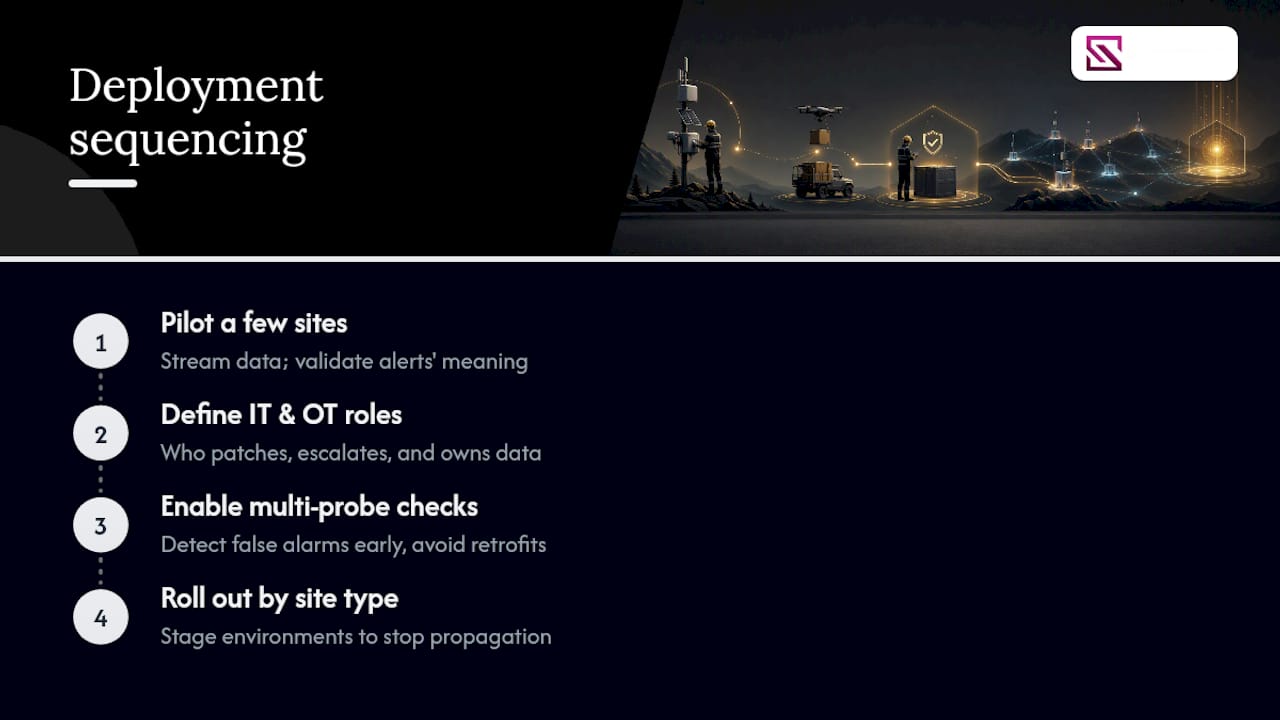
Assign IT and OT roles explicitly before rollout, specifically who owns patching, who owns escalation, and who owns the data itself. Ambiguity here is where most remote monitoring programs stall six months in, not at the technology layer.
Use multi-probe verification from the start rather than retrofitting it after your team gets burned by false alarms. Roll out in stages, site type by site type, so a bad assumption about one environment doesn't propagate across your entire fleet before anyone notices.
— Eumir
Getting Started With BeyondSensor
Some providers offer a single path from pilot to fleet-wide deployment, sensor hardware, analytics dashboards, and managed monitoring support under one technical relationship instead of stitching together separate vendors for each layer. That matters most for teams that don't have a dedicated NOC staffed around the clock, since the managed service option can cover the escalation gap a pure SaaS subscription leaves open.

If your team is evaluating sensor hardware, analytics integration, or managed monitoring support for distributed sites, Beyondsensor's security agency and infrastructure solutions page outlines deployment options for institutional and government buyers. System integrators exploring partnership or integration work can review the system integrator resources directly. The practical next step is requesting a technical scoping call to walk through your site count, connectivity constraints, and existing OT equipment before committing to a platform.
Sources
- Industrial IoT: The rise of smart level monitoring
- Securing Singapore's OT and critical assets
- Telstra: Securing Industry 4.0 — IT/OT convergence challenges (summary)
- What Are the Key Components for a Robust Remote Site Monitoring System?
- Ewon industrial remote connectivity and IIoT
Recommended
Read More Articles

Abandoned Object Detection: How It Works and How to Deploy It
How abandoned object detection works, how it tells an unattended bag from a paused one, how it differs from loitering detection, and what to check in Singapore.
Bridge Monitoring Sensors: Types, Placement and Data Use
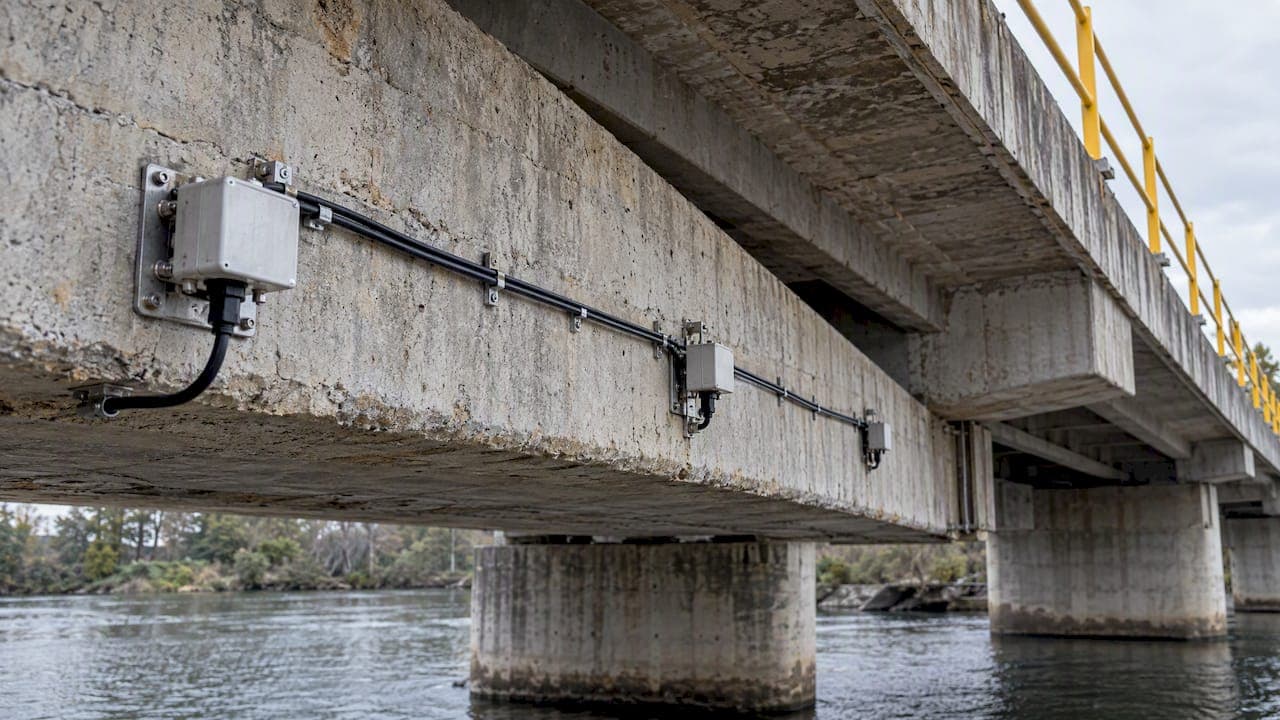
Which sensors monitor bridges, what each measures, how data reaches engineers, and how to specify a system for Singapore infrastructure and facility owners.
MQTT Security Best Practices for Singapore Deployments
A practical MQTT security checklist for Singapore teams: TLS 1.3, mutual authentication, topic ACLs, hardening, monitoring and IMDA and CSA requirements.

Preventive Maintenance for CCTV: A Singapore Guide
A practical preventive maintenance plan for CCTV in Singapore: checklist, inspection rhythm, SPF-aligned SLA terms, fault logging and what to put in a contract.
Let's Build YourSecurity Ecosystem.
Whether you're a System Integrator, Solution Provider, or an End-User looking for trusted advisory, our team is ready to help you navigate the BeyondSensor landscape.
Direct Advisory
Connect with our regional experts for tailored solutioning.