
How contactless visitor check-in works, which methods suit your site, and how to roll it out in Singapore with PDPA, access control and contractors in mind.
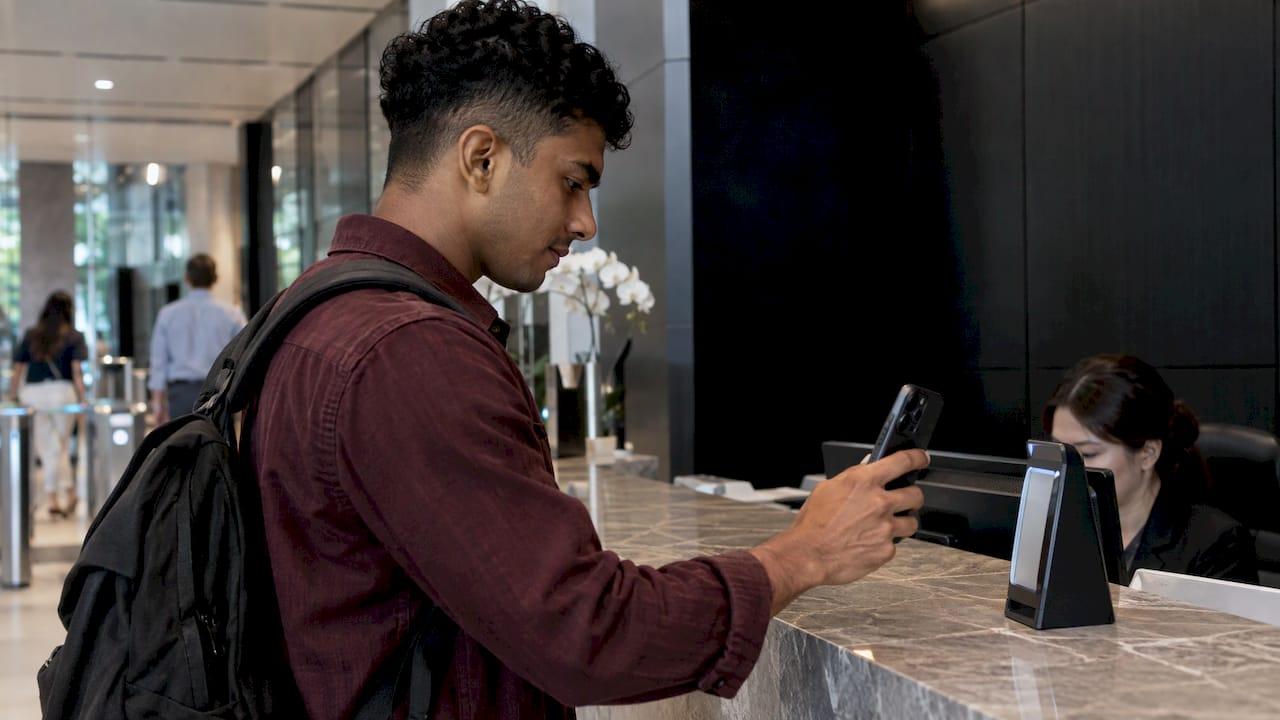
Contactless Visitor Check-In: A Practical Guide for Singapore Sites

Contactless visitor check-in lets a guest register, be verified and receive access without touching a shared pen, clipboard or screen. In practice that means the visitor is pre-registered by a host, arrives with a QR code or a mobile link, is checked against your rules, and is badged or admitted while the host is notified automatically. This guide explains the methods, the rollout steps, the integrations that matter and the Singapore-specific points to settle before go-live.
TL;DR
- Contactless check-in works best as a full workflow: pre-registration, identity capture, host notification, pass issue and check-out. A QR scan alone is only the first step.
- Choose the method by visitor type. QR and mobile suit regular guests, kiosks suit walk-ins, and a staffed fallback must exist for everyone else.
- In Singapore, treat any visitor system that handles personal data as a security solution that must support PDPA obligations, as IMDA's vendor guidance frames it.
- Contractors, deliveries and residents need their own flows. One generic form for all of them leaves gaps.
- Pilot at one entrance, measure queue time and exceptions, then expand.
Table of Contents
- What contactless visitor check-in actually covers
- Methods compared: QR, mobile pre-registration and kiosks
- Rolling out contactless check-in at a Singapore site
- Integrations that make check-in a security control
- Privacy and PDPA: build it in from day one
- Contractors, deliveries and industrial sites
- Visitors who cannot use a QR code
- What to measure after go-live
- How BeyondSensor supports contactless check-in
- FAQ
- Sources
What contactless visitor check-in actually covers
The phrases readers use, contactless sign-in, touchless check-in and contactless visitor check-in, describe the same idea: the visitor never has to handle shared equipment, and the front desk stops being the place where data is typed in by hand.
A complete flow has six parts:
- Invitation or pre-registration. The host enters the visitor's details before the visit, or the visitor completes a short form online.
- Arrival trigger. The visitor scans a QR code, opens a link on their own phone, or uses a kiosk.
- Identity capture. Name, a partial identification number, a photo and, where your policy allows, other biometric data.
- Screening. The visit is matched against rules such as allowed areas, time windows or a watchlist.
- Pass and notification. A digital or printed pass is issued and the host is alerted in real time.
- Check-out. Departure is recorded so you know who is on site at any moment, including during an emergency.
IMDA's Pre-Approval guide describes an automated visitor management solution in much the same terms. It should let the organization automate the entire process of registering a visitor, capture details such as name, partial ID number and photo, and issue a visitor pass for access to the premises. That is a useful yardstick: if your current process leaves out any of those functions, it is not yet a complete contactless workflow.
Methods compared: QR, mobile pre-registration and kiosks
Most Singapore sites end up combining methods. The table shows where each one fits.
| Method | How the visitor checks in | Best for | Watch out for |
|---|---|---|---|
| Pre-registration with QR pass | Host invites the guest in advance. Guest scans a code on their own phone at arrival | Scheduled meetings, recurring contractors, office towers | Guests who did not receive or cannot open the invitation |
| On-site QR poster | Guest scans a code at the entrance and fills in a mobile form | Walk-ins at small or mid-size sites | Form length, phone signal in lobbies, and queues forming at the code |
| Self-service kiosk | Guest uses a touchscreen or camera kiosk in the lobby | High-volume lobbies, sites without staff at the door | The screen is still a shared surface unless it supports touch-free operation |
| Face or ID verification | Camera matches the guest to a photo or document | Higher-risk areas, repeat visitors | Stricter personal-data handling and clear notices |
| Staffed assisted check-in | Guard or receptionist registers the guest on a device | Elderly guests, VIPs, anyone without a phone | Needs a trained person and the same digital record as other methods |
The common thread: every route should write to the same visitor record. A guest who takes the assisted route should still appear in the same log, with the same host notification, as one who scanned a QR code.
Rolling out contactless check-in at a Singapore site
Step 1: Map your visitor types
List who actually comes through the door: business guests, interview candidates, contractors, delivery drivers, auditors, tenants' guests, officials. Singapore Police building-security guidance separates resident or authorized entry, visitor entry, delivery-vehicle entry and contractor or pedestrian access. That separation is a sound starting point for your own workflows, adjusted to the risk profile of your property.

Step 2: Define what you need to capture, and why
For each visitor type, decide the minimum data: name, contact, host, purpose, time window and, if justified, a photo or partial ID number. If you cannot explain why a field is collected, remove it. This keeps the form short, which also raises completion rates on phones.
Step 3: Design pre-registration first
Pre-registration is where contactless check-in saves the most time, because the verification work happens before the visitor reaches the gate. Our guide to visitor pre-registration for Singapore sites walks through invitation timing, host responsibilities and what to do when details change on the day.
Step 4: Add screening rules
Decide what happens when a visitor is flagged: who is alerted, what the guard sees, and how the decision is recorded. Handling a match calmly and quickly is a process question as much as a technology one. See how teams approach visitor watchlist screening without creating a bottleneck at the lobby.
Step 5: Connect to people and doors
Host notification, badge printing or digital passes, and turnstile or door release are the integrations that turn a log into a security control. The next section covers these.
Step 6: Pilot at one entrance
Start with a single lobby or gate for two to four weeks. Track median time from arrival to entry, the share of visitors who needed assistance, and the number of exceptions the guard had to resolve. Adjust the form, signage and fallback before extending to other entrances or buildings.
Step 7: Train guards and hosts
Hosts need to know how to invite guests and approve unexpected arrivals. Guards need a clear script for visitors who struggle with the process. Put a short sign at the entrance showing the steps in the languages your visitors use.
Integrations that make check-in a security control
A digital log on its own is better than a paper book, but the value grows when it connects to the rest of your stack.
- Host notifications. The host receives an alert when the guest arrives, and can approve or decline from their phone. This removes the phone calls to the front desk.
- Badges and passes. A printed badge or a digital pass with a clear expiry time tells staff at a glance who is authorized and for how long. IMDA's guide lists access-control integration and optional biometrics or car-plate recognition among the relevant capabilities of this solution category.
- Access control. Linking the visitor record to turnstiles, lifts or doors means a pass is valid only for the right floor and time window. Integrators will find a five-step approach in our piece on open standards and edge-resilient access control.
- Video and analytics. Matching check-in records with camera data helps security teams reconcile who is on site. Occupancy views, as described in our occupancy analytics guide, show where visitors concentrate.
- Facility systems. Lift dispatch, meeting-room booking and parking can all be triggered by an approved visit. For ideas, see smart facility integration for facility managers.
When you evaluate vendors, ask how each integration is delivered: open interfaces, vendor-specific connectors or custom work. This determines how easily you can change one component later without replacing the whole system.
Privacy and PDPA: build it in from day one
Visitor check-in collects personal data by design, and photos or biometrics raise the stakes. IMDA's Pre-Approval guide requires digital solutions that handle personal data to support PDPA obligations. The practical reading is that a visitor system should be judged as a security tool with personal-data functions, not only as a convenience.
A short checklist for your project team:
- Collect only the fields you can justify for each visitor type.
- Show a clear notice at the point of collection, on the QR landing page and at the kiosk.
- Set a retention period for visitor records and apply it consistently.
- Restrict who can view visitor logs and photos, and keep an audit trail of access.
- Treat biometric options as opt-in where you can, and always keep a non-biometric route available.
- Confirm with your data protection officer how your policy applies. Questions on legal interpretation belong with them or with qualified counsel.
Cameras in lobbies create related obligations. Our guides on privacy masking for CCTV and CCTV video redaction cover how to limit what footage reveals about people who are not the subject of an investigation.
Contractors, deliveries and industrial sites
Office guests and contractors are not the same risk. A contractor may need to be on site for weeks, enter restricted zones and acknowledge safety rules before starting work. Singapore construction guidance states that site safety information and emergency-response plans should be clearly available to visitors, so a contactless flow for these sites should show or require acknowledgment of safety information before a pass is issued.
Practical design points:
- Separate entry workflows. Contractors, delivery drivers and guests should follow different paths, with different required fields and approvals. This is a recurring principle in construction site security planning, where entry points and post orders are tailored to each type of person on site.
- Recurring passes. Give regular contractors a standing pass with an expiry date instead of re-registering them every morning.
- Safety acknowledgment. Show the site rules and emergency information in the check-in flow and record that the visitor has seen them.
- Vehicle entry. Capture vehicle details where lorries and vans arrive, and keep this flow apart from pedestrian check-in.
- Permit alignment. Where work requires approval, link check-in to the permit. Our digital permit to work guide explains how.
Visitors who cannot use a QR code
Some guests have no smartphone, a low battery, poor signal, limited digital confidence, or simply a different language. A contactless system that turns them away is a failed system. Build the fallback into the design:
- A staffed assist point. The guard or receptionist registers the guest on a device, so the guest still ends up in the same digital record.
- Host-led registration. The host can create the visit on the spot and approve entry from their own phone.
- Multilingual prompts. Short, plain instructions on the QR landing page and on the signage.
- Accessible placement. Put kiosks and QR codes at heights reachable from a wheelchair, and offer help to guests with visual impairments.
- Offline resilience. If the network drops, guards need a defined manual procedure and a way to reconcile entries afterward.
Measure the share of assisted check-ins during your pilot. A high number tells you the invitation or signage needs work, not that the visitors are the problem.
What to measure after go-live
Once the system is running, review a handful of numbers monthly:
- Median time from arrival to entry.
- Percentage of visits that were pre-registered.
- Percentage of check-ins needing staff help.
- Number of flagged visits and time to resolve them.
- Visitors still on site at closing time without a recorded check-out.
These show whether the system reduces manual oversight or just moves it. Aim for exception-based monitoring: staff attention goes to the visits that need it, while routine arrivals pass through on their own.
Our perspective
Contactless check-in is often sold as a hygiene feature. We see it as the front door of your security architecture. The moment a visitor is registered, you have an identity, a host, a purpose and a time window. Every other control, from access doors to video analytics, becomes more useful when it can lean on that record.
That is why we build visitor management as part of a unified platform rather than as a standalone kiosk. When registration, screening, host alerts and the security operations view share the same data, guards stop reconciling spreadsheets and start handling exceptions. Automation does the repetitive work consistently, and people step in where judgment is needed.
We also believe the regional context matters. Sites in Singapore, Malaysia and the Philippines each carry their own compliance expectations, and a system should be validated locally before it is deployed at scale. Our approach combines multi-vendor integration with that localized technical validation, so the visitor flow fits the doors, cameras and policies you already run.
Eumir
How BeyondSensor supports contactless check-in
BeyondVisitor is our automated visitor management system, built for organizations that want registration, host coordination and visitor records handled in one flow. It sits alongside our other product lines, and our team can help connect it to the access control, video and operations tools already on your site.

If you are planning a rollout across multiple buildings or working as an integrator, our Solution Integration service covers the engineering work of connecting components from different vendors. To see how the visitor product fits your site, visit the BeyondVisitor page or get in touch through BeyondSensor.
FAQ
Is contactless sign-in the same as touchless visitor check-in?
Yes. Both describe registering and admitting a visitor without shared pens, paper or screens. The method can be a QR code on the visitor's phone, a pre-registered pass or a kiosk, and the rest of the workflow, from host alert to check-out, stays the same.
Do we need biometrics for contactless visitor check-in?
No. Biometrics and car-plate recognition are optional capabilities that IMDA's guide lists for this solution category. Many sites run on pre-registration and a QR pass alone, and use photo or biometric checks only for higher-risk areas, with a clear notice and a non-biometric alternative.
How long does a pilot take?
Plan two to four weeks at a single entrance. That is long enough to see a typical mix of guests, contractors and walk-ins, and to tune forms, signage and guard procedures before you expand to other gates or buildings.
What happens when a visitor has no smartphone?
A guard or the host registers them on a staff device, so they still appear in the same digital log and the host is notified as usual. Plan for this route from day one, and track how often it is used.
Sources
- Automated Visitor Management, Pre-Approval ICM Vendor Guide (IMDA)
- Enhancing Building Security guidance (Singapore Police Force)
- Green and Gracious Builders Scheme guide (SCAL)
Recommended
Read More Articles

Audit Log Retention in Singapore: Periods, Rules and Setup
How long to keep audit logs and security audit trails in Singapore: CII 12 months, CCTV 31 days, the seven-year myth, data residency and a setup checklist.
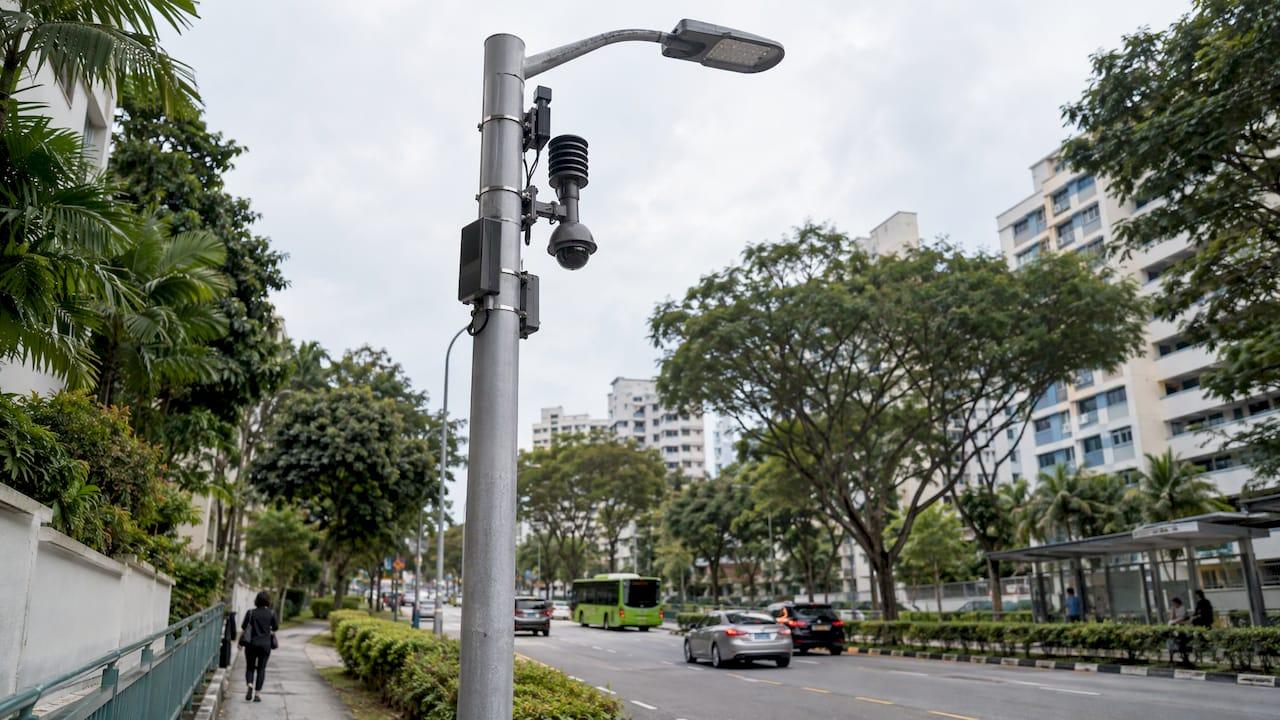
Smart Lamppost Monitoring in Singapore: How It Works
How smart lamppost and streetlight monitoring works in Singapore: sensors, fault alerts, data governance, deployment checks and measured results from LTA and GovTech.
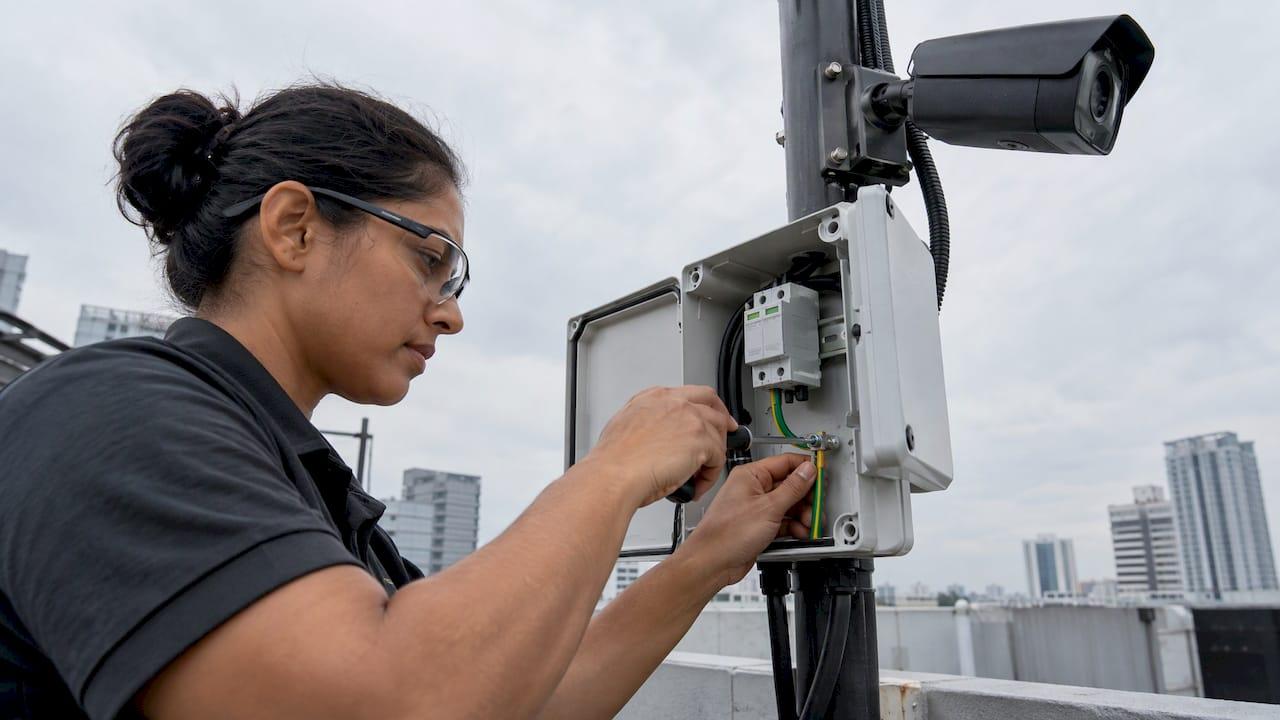
Surge Protection for CCTV: A Singapore Installer's Guide
How to protect CCTV from lightning and power surges in Singapore: which circuits need SPDs, where to fit them, which ratings to check, and how to earth them.
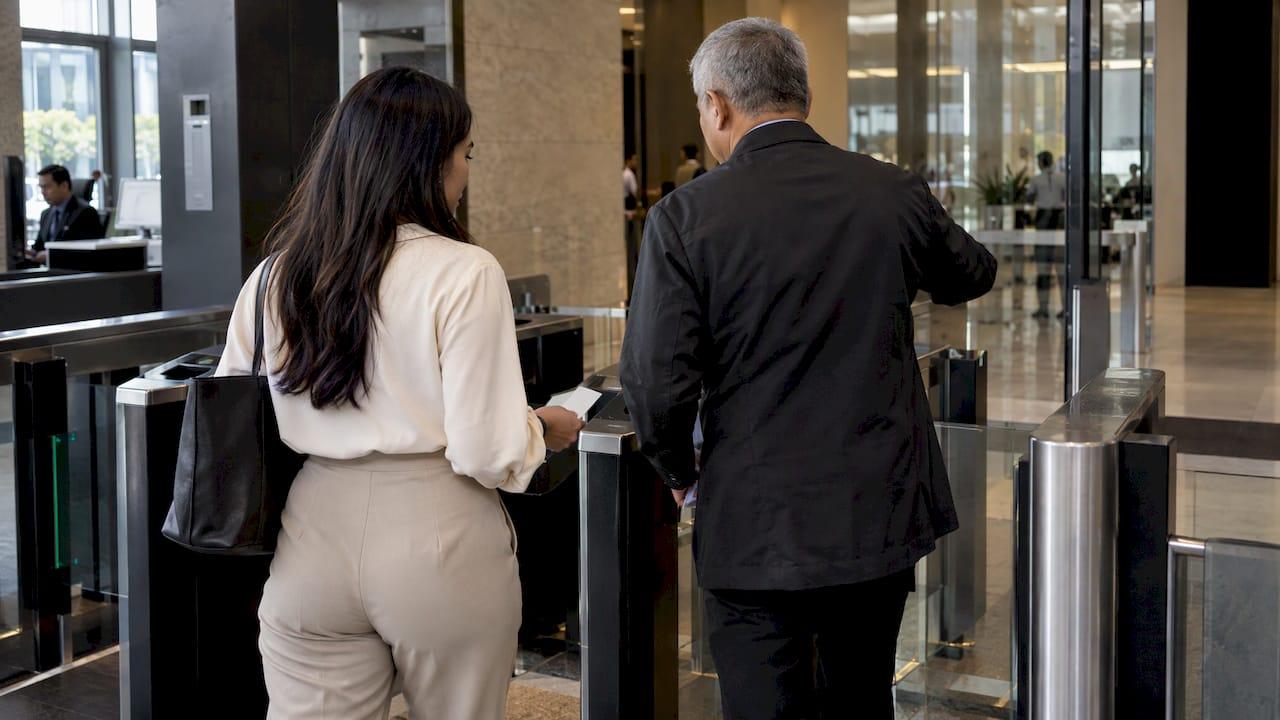
Visitor Management Policy: What to Include for Singapore Sites
Build a visitor management policy for a Singapore workplace: scope, check-in rules, PDPA and NRIC limits, retention, escorts, emergencies and review.
Let's Build YourSecurity Ecosystem.
Whether you're a System Integrator, Solution Provider, or an End-User looking for trusted advisory, our team is ready to help you navigate the BeyondSensor landscape.
Direct Advisory
Connect with our regional experts for tailored solutioning.