
How long to keep audit logs and security audit trails in Singapore: CII 12 months, CCTV 31 days, the seven-year myth, data residency and a setup checklist.
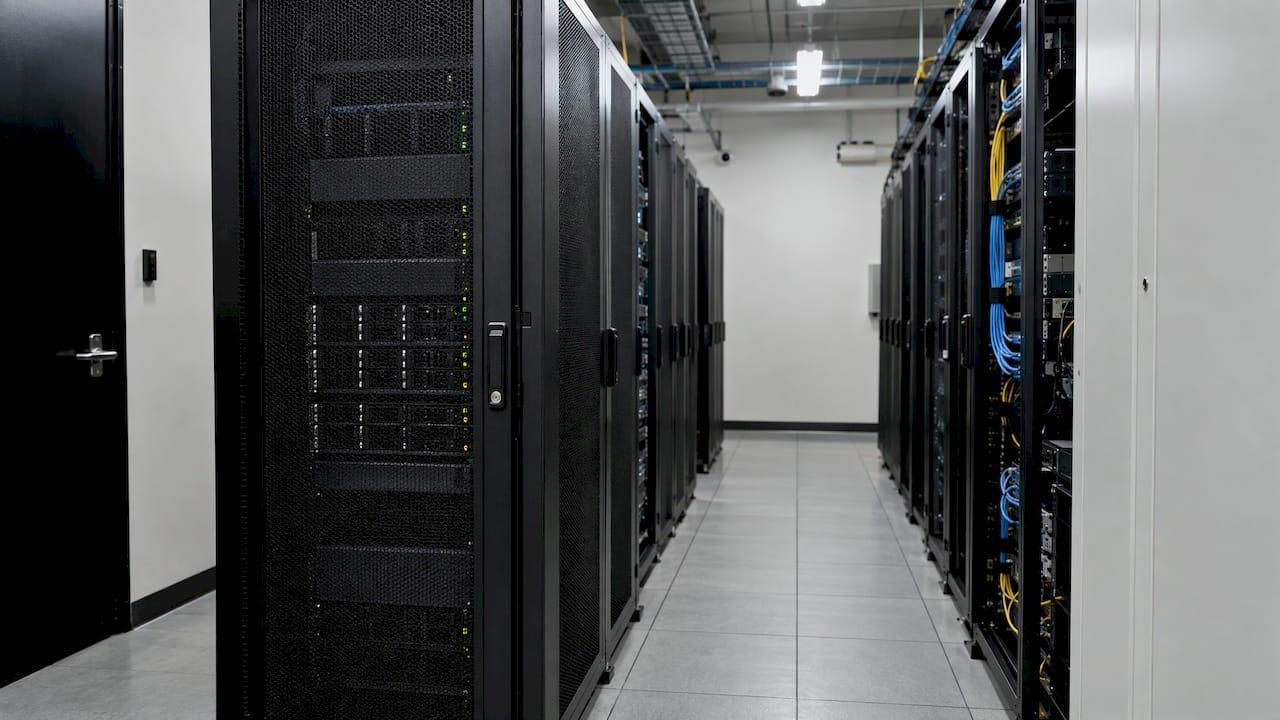
Audit Log Retention in Singapore: Periods, Rules and Setup

There is no single audit log retention period for every organization in Singapore. The right number depends on which regime covers you and why you keep the records. Operators of critical information infrastructure must keep certain security logs for at least 12 months. Buildings that follow the Singapore Police Force video surveillance standard should hold 31 days or more of recordings. Accounting records under the Companies Act are kept for at least five years. Everything else comes down to a retention policy you write, justify and enforce.
This guide sets out the periods that actually appear in Singapore sources. It then covers where logs and CCTV data may be stored, and how to build a retention setup that stands up in an investigation or an audit.
TL;DR
- Critical information infrastructure: the Cybersecurity Code of Practice requires selected security logs to be retained for at least 12 months after the event.
- Building CCTV: the SPF standard recommends capacity for one full set of recordings covering the preceding 31 days or more, plus at least 20% reserve media.
- Seven years is not a Singapore-wide audit log rule. The Companies Act sets five years for accounting records.
- The PDPA has no general Singapore-only storage rule, but personal data sent abroad needs comparable protection, and cloud use can count as a transfer.
- Store logs apart from the system that produced them, restrict access, protect integrity, and delete on schedule.
Table of Contents
- What audit logs and security audit trails record
- How long to keep audit logs in Singapore
- Is seven years the rule? Not in Singapore
- Where audit logs and CCTV data may be stored
- Setting up audit log retention that holds up
- How to verify your audit trail works
- A worked example: a multi-site operator
- Plan retention into your deployment
- FAQ
- Sources
What audit logs and security audit trails record
An audit log is a chronological record of events and actions in a system. A security audit trail is the subset that lets you reconstruct who did what, when and from where. The Singapore Government's ICT&SS control catalogue lists what such logging can cover: network traffic, management and audit events, database audit events, access requests and host security events. The same page ties retention to incident investigation, forensic analysis and compliance monitoring.
In a physical security environment the same idea extends further. A useful trail includes:
- Operator and administrator logins, role changes and configuration edits
- Camera and recorder access, including who retrieved or exported footage
- Door, gate and visitor events from access control and visitor systems
- Patrol check-ins, missed checkpoints and alarm acknowledgements
- Sensor alerts, analytics detections and how each was resolved
- Network and remote connections to security devices
The value of a trail is only as good as its history. An incident often surfaces weeks after it began. If the logs that would show the first intrusion, the first unusual export or the first missed patrol have already rolled over, the investigation starts with a gap.
How long to keep audit logs in Singapore
Singapore does not publish one number. It publishes several, each tied to a regime. The table below puts the ones supported by official and primary sources side by side.
| Context | Retention period | Source |
|---|---|---|
| Critical information infrastructure (CII) security logs | At least 12 months after the event | Cybersecurity Code of Practice for CII |
| Building CCTV in scope of the SPF VSS standard | Recording capacity for the preceding 31 days or more, plus at least 20% reserve media | SPF VSS Standard for Buildings |
| Accounting and related records | At least five years from the end of the financial year of the transactions | Companies Act 1967 |
| Government ICT security logs | A parameterised minimum number of days set by the catalogue | ICT&SS Logging and Monitoring |
| Personal data in logs and recordings | Only as long as the purpose, or a business or legal need, requires | PDPC guide for ICT systems |
Two patterns stand out. Where a regulator names a minimum, it is a floor, not a target. And where personal data is involved, there is a ceiling too: you should not keep it indefinitely just in case.
Critical information infrastructure: 12 months as a floor
If you operate a designated CII, the Cybersecurity Code of Practice is specific. It requires CII owners to log access and attempted access, application and database activity, data access, external and internal network connections, remote connections and wireless-LAN connections. It also calls for firewall, DNS, web-proxy and network intrusion detection or prevention logs, with consistent time sources, protection against unauthorized access, modification and deletion, and retention for at least 12 months after the event. The Code also expects a log-retention policy that supports investigations, threat hunting and other cybersecurity purposes.
Even if you are not a CII owner, this is a sensible benchmark for security-relevant logs at facilities that feed into critical sectors, such as industrial sites, ports and utilities. Treat it as a reference point, not as a legal duty that automatically applies to you.

Building CCTV: 31 days and a reserve
The Singapore Police Force's Video Surveillance System Standard for Buildings recommends recording capacity for continuous 24-hour recording and one full set of recordings for the preceding 31 days or more, plus at least 20% reserve recording media. Note the wording: it is about capacity. Your storage must be sized so that a month of footage is always available, with headroom for growth, added cameras and higher resolution.

For a deeper look at footage specifically, see our guide to CCTV data retention rules every security team should set.
Biometric and personal data: keep only what the purpose needs
The PDPC's guide on biometric data in security applications says such data should not be retained once its collection purpose is fulfilled, unless there is a business or legal requirement. It suggests organizations consider situations that could require access to recordings or data when deciding on a period. The PDPC's ICT guidance says the same of personal data generally: stop retaining it once the purpose no longer exists and retention is not needed for business or legal reasons.
This matters for audit trails because they often contain personal data: names, staff IDs, vehicle plates, face images, visitor records. A retention period for these logs needs a reason you can state.
Is seven years the rule? Not in Singapore
Search results for this topic are crowded with a seven-year figure, usually from other jurisdictions or other industries. The Singapore sources do not support it as a general audit log requirement.
What the sources do support:
- Five years for accounting and related records under the Companies Act, counted from the end of the financial year in which the transactions were completed. The Act requires records sufficient to explain transactions and the company's financial position and to permit proper audit.
- Twelve months for the CII security logs named in the Code of Practice.
- Other periods that depend on the sector, the system and the purpose.
If a customer, insurer or parent company contractually asks for seven years, that is a legitimate reason to keep logs that long. Record it in your policy as a contractual requirement, with the owner and the review date, so nobody mistakes it for a statutory one.
Where audit logs and CCTV data may be stored
A common worry behind searches on CCTV data residency in Singapore is whether footage and logs must stay on the island. The PDPA does not impose a general Singapore-only storage requirement for CCTV or audit logs. What it does impose is a transfer rule: personal data sent outside Singapore must receive a standard of protection comparable to the PDPA, through the Act's prescribed mechanisms or exceptions.
In practice, that leads to a short list of actions:
- Identify where footage, logs and backups physically sit, including disaster-recovery copies.
- Assess the cloud provider and its subprocessors.
- Document each overseas transfer.
- Use legally enforceable obligations that deliver comparable protection where the rules require them.
IMDA's guide to SS 714:2025 adds detail. It recommends documenting overseas data transfers, including data fields, destination country and city, and the recipient. It also notes that using a cloud service provider can constitute an overseas transfer even when the provider is located in Singapore, for example if data is replicated or supported from elsewhere.
Some contracts and sector rules are stricter than the PDPA. Government agencies and CII owners often have their own hosting requirements. Check the ones that apply to you before you choose a storage location, and write the answer into the policy.
Setting up audit log retention that holds up
A retention period means little without the controls around it. These steps draw on Singapore government guidance.
1. Classify your logs
Separate security logs from operational logs. The government catalogue treats them differently: security logs carry a minimum period, while non-security logs may be kept as long as needed for incident resolution and debugging. A simple three-tier model works well:
- Security and access logs: longest period, strictest protection
- Operational and diagnostic logs: short period, kept for troubleshooting
- Personal-data-heavy records (face images, visitor IDs): period justified by purpose, reviewed regularly
2. Set the period for each tier
Start from the strictest applicable source: a regulatory floor, a standard, a contract. Add what your own investigations need. If your incident reviews regularly look back 90 days, a 30-day window fails your own team. Write each period in a policy with the reason beside it.
The PDPC's ICT guidance recommends a personal-data retention policy with varying minimum and maximum periods for repositories, databases, files, backups and archives. Backups and archives belong in the policy, not outside it.
3. Store logs away from the source
The ICT&SS catalogue advises storing logs separately from the system that generated them. For cloud audit logs, use a separate system or account. The reason is simple: an intruder or a rogue administrator who can change the system can also change its logs, if the logs live in the same place.
4. Restrict access
Apply least privilege and grant read access only as far as the role needs. Most staff need to view their own site's alerts. Very few need to export or delete audit records. Our guide to role-based access control for Singapore security teams walks through how to define those roles, and the guide to contractor access control covers the third-party accounts that are most often over-privileged.
5. Protect integrity
The SPF standard recommends secure recording facilities protected against unauthorized access, removal or viewing, with location chosen through cyber and physical security risk assessment. It also recommends tamper controls such as watermarking, cryptographic hashing or read-only archival media. The CII Code similarly calls for protection against modification and deletion, and for consistent time sources so that events from different systems can be lined up.
6. Automate lifecycle and deletion
The catalogue suggests considering automated log lifecycle management. Manual deletion tends to be skipped, which leaves personal data sitting well beyond its purpose. Under PDPC guidance, organizations should check stored data periodically, dispose of data no longer required securely, and anonymize data kept beyond its useful period where appropriate.
7. Plan for legal holds
When an incident, a dispute or an authority's request is open, relevant logs must be exempt from automatic deletion until it closes. Build the hold step into the lifecycle process and name who can authorize it.
How to verify your audit trail works
A policy on paper can fail silently in practice. Cameras drop offline, disks fill up, clocks drift. The SPF standard gives a useful model for regular checks:
- Recorded images should carry a camera ID and date and time information that operators cannot adjust, and the system should provide a means to verify recording integrity.
- The building Security Manager is responsible for regular audits of storage duration, alarms and image quality.
- An audit trail should record physical and network access to recorders, including file-retrieval transactions.
Turn these into a monthly routine:
| Check | What you confirm |
|---|---|
| Oldest available record | It matches the retention period you set |
| Coverage | Every camera, door controller and sensor group is writing logs |
| Time sync | Devices share a consistent time source |
| Search | A sample incident can be found and exported in minutes |
| Access review | Only current, authorized staff can read or export |
| Deletion | Records past their period are actually gone |
Record the results. A dated check that shows storage duration matched policy is the kind of evidence auditors and investigators ask for first. For a broader framework, see our guides on security compliance frameworks in Southeast Asia and compliance in sensing systems, step by step.
A worked example: a multi-site operator
Consider a logistics operator with three Singapore sites, 140 cameras, a visitor system and a contractor gate. This is an illustration, not a client case. Its policy might read:
- Administrator, access and configuration logs: 12 months, using the CII Code as the benchmark, stored in a separate account.
- CCTV: capacity for 31 days of continuous recording plus 20% reserve, following the SPF standard.
- Visitor ID images: kept for the shortest period that supports incident follow-up, then deleted automatically.
- Accounting records: five years, owned by finance.
- Legal hold: suspends deletion for named incidents, authorized by the security director.
The security manager runs the monthly verification table and files the output. One policy, five tiers, each with a stated reason. That is what a regulator or insurer reading it can follow.
Our perspective
Retention is where physical security and cybersecurity meet. A camera, a door controller and a patrol check-in all produce records that matter only if they survive, stay trustworthy and can be found quickly.
We design for exception-based monitoring: let AI watch the routine, and put people on the events that need judgment. That approach only works if every alert, acknowledgement and operator action leaves a trail. Automation without a record is hard to defend, and a record without structure is hard to search.
Our view is that retention should be planned at deployment, not after the first incident. Decide the periods, the storage location and the access roles while the system is being designed, then validate them against the rules that apply in the market where it runs. That is the reason we pair our software with local technical validation across Southeast Asia.
Eumir
Plan retention into your deployment
If you are specifying or refreshing a security system, retention belongs in the design brief next to camera counts and network layout. We build unified, automated security platforms for integrators, facility owners and agencies, covering video analytics with BeyondWatch, virtual guard tours with BeyondPatrol and visitor management with BeyondVisitor.
Integrators who need retention, storage location and access roles worked out across multi-vendor systems can start with our Solution Integration service. For a first conversation about your site, talk to our team.
FAQ
How long should audit logs be retained in Singapore?
It depends on the regime. CII owners must keep specified security logs for at least 12 months after the event, and the SPF building standard recommends capacity for 31 days or more of CCTV. Other logs follow your own policy, based on investigation needs, contracts and the purpose for any personal data they hold.
Is there a seven-year audit log retention rule in Singapore?
Not as a general rule. The Companies Act requires accounting records to be kept for at least five years, and the CII Code sets 12 months for certain security logs. Seven years may appear in a contract or a foreign regulation that applies to you, so check your obligations before adopting it.
Must CCTV footage be stored in Singapore?
The PDPA has no general requirement to store CCTV or audit logs in Singapore. If footage containing personal data is transferred overseas, the recipient must give comparable protection, and cloud use can count as a transfer even with a Singapore-based provider. Sector or contract rules may be stricter.
What is the difference between audit logs and security audit trails?
Audit logs are the raw chronological records a system produces. A security audit trail is the set of those records that lets you reconstruct who accessed what and when, including access to recorders and file retrievals. In practice the terms overlap, and both need the same retention and protection controls.
Who is responsible for checking that logs are retained?
Under the SPF building standard, the Security Manager is responsible for regular audits of storage duration, alarms and image quality. Whatever your structure, name one owner, schedule the checks and keep the results as evidence.
Sources
- Logging and Monitoring, Singapore Government ICT&SS Policy
- Responsible Use of Biometric Data in Security Applications, PDPC
- Cybersecurity Code of Practice for Critical Information Infrastructure
- Video Surveillance System Standard for Buildings, Singapore Police Force
- Data Protection Practices for ICT Systems, PDPC
- Personal Data Protection Act 2012, Singapore Statutes Online
- Singapore Standard SS 714:2025 implementation guide, IMDA
- Companies Act 1967, Singapore Statutes Online
Recommended
Read More Articles
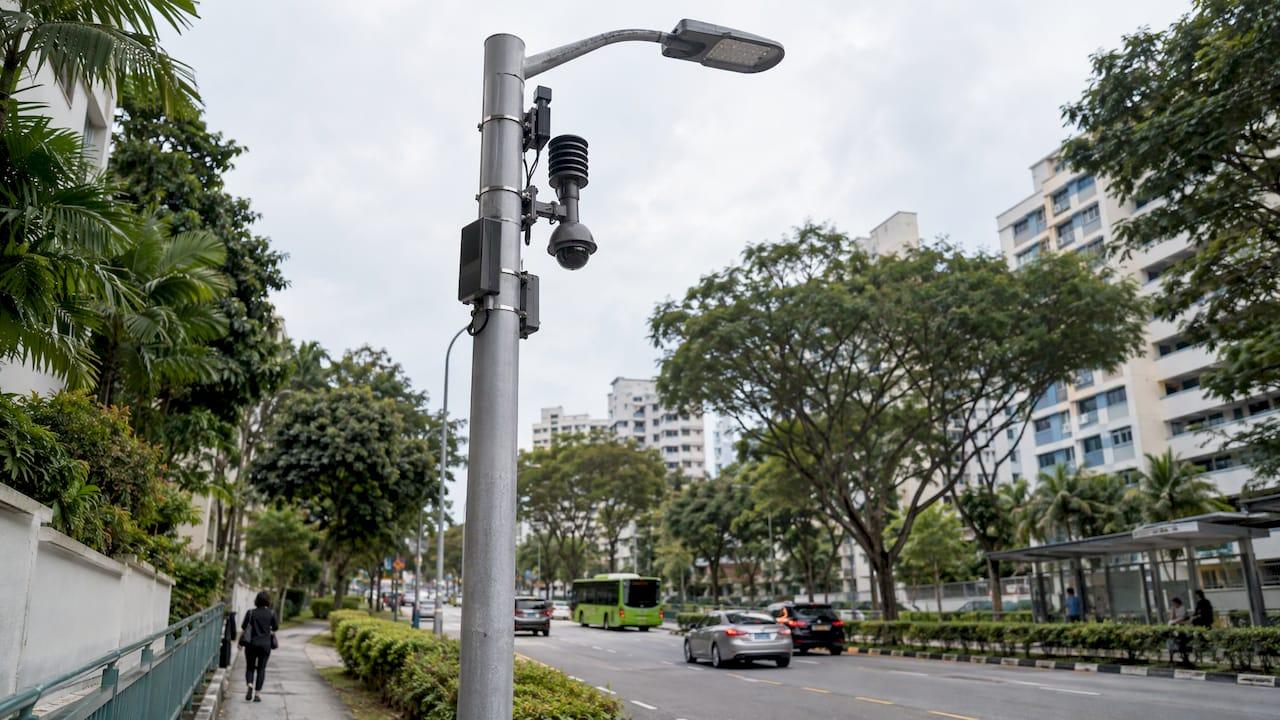
Smart Lamppost Monitoring in Singapore: How It Works
How smart lamppost and streetlight monitoring works in Singapore: sensors, fault alerts, data governance, deployment checks and measured results from LTA and GovTech.
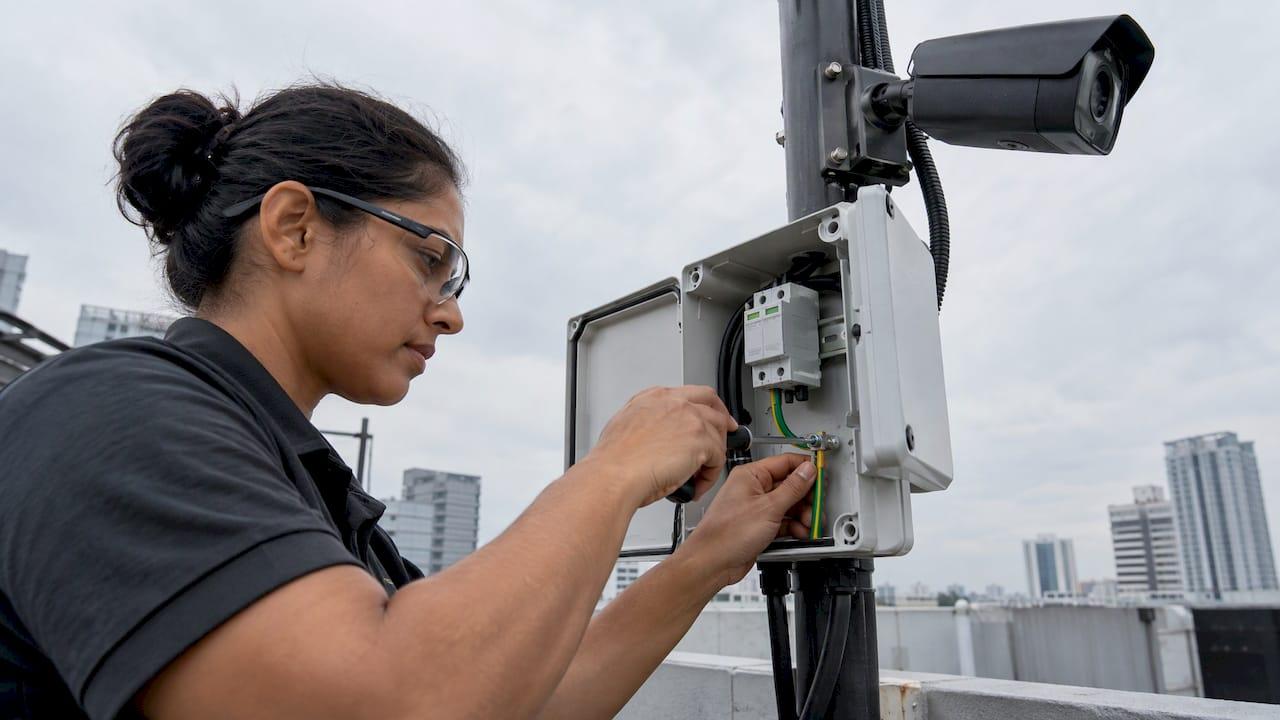
Surge Protection for CCTV: A Singapore Installer's Guide
How to protect CCTV from lightning and power surges in Singapore: which circuits need SPDs, where to fit them, which ratings to check, and how to earth them.

Contactless Visitor Check-In: A Practical Guide for Singapore Sites
How contactless visitor check-in works, which methods suit your site, and how to roll it out in Singapore with PDPA, access control and contractors in mind.
Visitor Management Policy: What to Include for Singapore Sites
Build a visitor management policy for a Singapore workplace: scope, check-in rules, PDPA and NRIC limits, retention, escorts, emergencies and review.
Let's Build YourSecurity Ecosystem.
Whether you're a System Integrator, Solution Provider, or an End-User looking for trusted advisory, our team is ready to help you navigate the BeyondSensor landscape.
Direct Advisory
Connect with our regional experts for tailored solutioning.