
Discover the sensor integration step by step process for successful project management. Master the phases to ensure reliable performance!

Sensor Integration Step by Step: A Project Manager's Guide

TL;DR:
- Sensor integration combines sensors, hardware, and software to ensure system reliability and security. Success depends on comprehensive planning, proper protocol selection, thorough testing, calibration, and maintenance throughout the lifecycle. Boundary security, timestamp synchronization, and operational discipline are critical for long-term system performance and resilience.
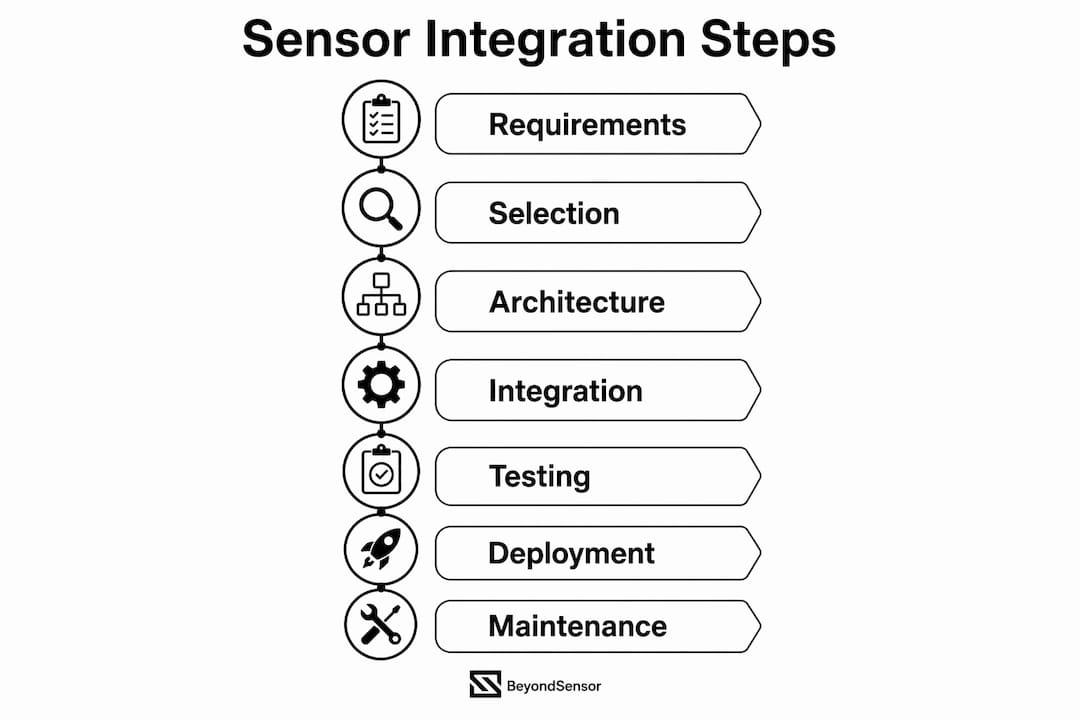
Sensor integration is the systematic process of combining sensors, hardware, and software to enable reliable security and operational system performance. The full integration lifecycle spans nine phases: requirements analysis, sensor selection, architecture design, hardware integration, software and data acquisition, data processing setup, testing and calibration, deployment, and ongoing maintenance. Professionals who treat these phases as a connected sequence, rather than isolated tasks, consistently deliver systems that hold up under real operational conditions. Standards like IEC 62443, protocols like MQTT and OPC UA, and tools like edge gateways are not optional extras. They are the structural backbone of any sensor integration process worth deploying.
What does a sensor integration checklist look like?
Preparation is where most sensor integration projects succeed or fail. Before a single sensor is mounted, your team needs a documented requirements analysis that defines system objectives, environmental conditions, and performance criteria. Skipping this step produces scope creep, rework, and systems that technically function but fail to meet operational needs.
Start by identifying the sensor types your application demands. A physical security perimeter system requires different sensors than an industrial environmental monitoring network. Passive infrared (PIR) detectors, LiDAR units, vibration sensors, and thermal cameras each carry distinct power, communication, and mounting requirements. Match sensor characteristics to your environment before committing to hardware.
Your pre-deployment sensor checklist should cover these six areas:
- Measurement accuracy validation: Confirm sensor output against a known reference standard.
- Environmental tolerance: Verify ingress protection (IP) ratings and operating temperature ranges match site conditions.
- Communication stability: Test protocol reliability under expected load and interference conditions.
- Power quality tolerance: Check sensor behavior under voltage fluctuations and power interruptions.
- Timestamp integrity: Confirm time synchronization alignment with your analytics platform.
- Installation repeatability: Verify that mounting procedures produce consistent readings across multiple units.
The table below maps common requirements to recommended tools and standards:
| Requirement | Recommended Tool or Standard |
|---|---|
| Communication protocol | MQTT (lightweight pub/sub), OPC UA (rich data typing) |
| Cybersecurity framework | IEC 62443 for OT zone and conduit management |
| Embedded processing | Microcontrollers (STM32, ESP32) or industrial edge gateways |
| Data acquisition software | Node-RED, custom firmware, or SCADA middleware |
| Calibration reference | NIST-traceable calibration instruments |
Pro Tip: Document your requirements baseline in a shared project management tool like Confluence or Jira before any hardware procurement. Changes after procurement cost three to five times more than changes at the requirements stage.
How do you execute the hardware and software integration process?
The physical installation phase sets the quality ceiling for everything that follows. Sensor mounting must account for field of view, vibration isolation, and cable management. For multi-sensor PCB designs, separating analog and digital grounds and routing signals carefully reduces noise and improves signal integrity. Poor physical design causes field failures that no software fix can correct.
Follow this numbered sequence for hardware and software integration:
- Mount and wire sensors. Follow manufacturer torque specifications and use shielded cable for analog signals. Label every cable at both ends.
- Configure communication protocols. Choose MQTT for lightweight vertical data flow to IT systems. Use OPC UA for plant-floor horizontal integration where rich data typing and security matter. An edge gateway mapping between them handles protocol translation without compromising either layer.
- Enforce IT/OT boundary security. For high-security environments, unidirectional data flow via data diodes aligned with IEC 62443 SL-4 prevents state-sponsored intrusion. The OT side manages bidirectional handshakes locally. Only a unidirectional stream crosses the boundary.
- Deploy data acquisition software. Write or configure firmware to collect, timestamp, and transmit sensor data. Embed watchdog timers and CRC message integrity checks to catch transmission errors before they corrupt your dataset.
- Implement data processing logic. Define filtering, aggregation, and threshold rules at the edge where possible. Processing at the edge reduces latency and limits the volume of raw data crossing your network.
- Validate end-to-end data flow. Inject known test signals and confirm accurate representation at every layer from sensor to dashboard.
Pro Tip: Timestamp every data packet at the sensor level, not at the gateway or server. Mis-timed data corrupts fusion and root-cause analysis even when the sensor itself is reading correctly.
For teams working on physical security integration, the protocol and boundary decisions made in this phase directly determine your compliance posture and long-term maintainability.

FAT vs. SAT: how do you test and calibrate sensor systems?
Testing is not a single event. FAT (Factory Acceptance Testing) validates equipment at the vendor site against design specifications before shipment. SAT (Site Acceptance Testing) re-tests critical steps at the client site under real ambient conditions, including actual power quality, operator interfaces, and environmental factors. The distinction matters because a sensor that passes FAT can still fail SAT due to site-specific variables.
Your calibration and commissioning checklist should address:
- Sensor accuracy at operating range: Test at minimum, midpoint, and maximum expected values.
- Drift management: Record baseline readings and schedule recalibration intervals based on manufacturer data and environmental stress.
- Environmental effect compensation: Adjust for temperature, humidity, and EMI at the installation site.
- Threshold tuning: Set alert thresholds based on operational data, not default values. Aggressive default thresholds cause alert fatigue, which reduces operator responsiveness and undermines system ROI.
- Acceptance criteria documentation: Define pass/fail criteria before testing begins, not after.
The table below compares FAT and SAT scope:
| Test Phase | Location | Primary Focus | Key Risk Addressed |
|---|---|---|---|
| FAT | Vendor facility | Design spec compliance | Equipment defects pre-shipment |
| SAT | Client site | Site-specific integration | Ambient conditions, power quality, operator factors |
Commissioning at the site is not a rerun of factory tests. It must address risks that only appear under real operational conditions. Teams that treat SAT as a formality routinely discover threshold and timing issues within the first 30 days of live operation.
Pro Tip: Treat calibration as an ongoing system behavior, not a one-time commissioning task. Sensor drift, component aging, and environmental changes will shift readings over time. Build recalibration cycles into your maintenance schedule from day one.
What does a sustainable deployment and maintenance strategy look like?
Deployment is the phase where planning meets reality. A typical automation deployment timeline follows a V-model structure with defined durations for each phase: site preparation takes 1–2 weeks, mechanical installation takes 1–3 days, wiring takes 1–3 days, calibration and software configuration takes 1–2 days, FAT takes approximately 1 day, SAT takes 1–3 days, operator training takes 2–5 days, and ramp-up takes 1–4 weeks. Use these benchmarks to build realistic project schedules and set client expectations.
Your deployment and maintenance strategy should include:
- Site preparation: Confirm power availability, cable pathways, mounting surfaces, and network access points before equipment arrives on site.
- Operator training: Train operators on normal system behavior, alert interpretation, and first-response procedures. Undertrained operators are the most common cause of false alarm escalation.
- Monitoring and drift detection: Deploy a monitoring dashboard that tracks sensor output trends over time. Sudden drift or output flatlines indicate sensor failure or calibration loss.
- Maintenance scheduling: Align physical inspection cycles with calibration validation intervals. For security sensors in outdoor environments, quarterly inspections are a practical minimum.
- Lifecycle management: Document sensor model, firmware version, calibration date, and replacement schedule for every device. This single-source record prevents calibration chain breaks that produce inaccurate readings at the enterprise layer.
For teams managing sensor-based security systems across multiple sites, centralized monitoring platforms reduce response time and provide audit trails that satisfy compliance requirements. The role of sensors in automation extends well beyond initial deployment. Long-term reliability depends on the discipline of your maintenance program, not just the quality of your initial installation.
Key takeaways
Successful sensor integration requires treating each lifecycle phase as a dependency, not an option, from requirements through ongoing maintenance.
| Point | Details |
|---|---|
| Start with a documented checklist | Define objectives, environment, and performance criteria before selecting hardware or protocols. |
| Match protocols to system layers | Use MQTT for IT-bound data flow and OPC UA for plant-floor integration; use edge gateways to translate between them. |
| Separate FAT from SAT | Factory testing validates design compliance; site testing validates real-world integration under actual operating conditions. |
| Calibrate thresholds operationally | Set alert thresholds from live operational data to prevent alert fatigue and protect system ROI. |
| Build maintenance into the design | Schedule recalibration cycles, drift monitoring, and lifecycle records from the first day of deployment. |
What i've learned about where sensor integration actually breaks down
After working through sensor integration projects across physical security, industrial automation, and smart infrastructure, the failure patterns are consistent. They rarely happen at the sensor itself. They happen at the boundaries: the IT/OT boundary, the calibration chain, and the timestamp layer.
Most teams invest heavily in hardware selection and almost nothing in threshold calibration. The result is a system that generates hundreds of alerts per day, operators who stop responding to them, and a project that gets labeled a failure despite technically working. The fix is not better hardware. It is operational discipline in the commissioning phase.
Timestamp synchronization is the other invisible killer. I have seen fusion systems produce completely wrong correlation outputs because sensor timestamps were generated at the gateway rather than at the device. The data looked clean. The analysis was wrong. End-to-end timing, aligned with how your analytics platform consumes data, is non-negotiable.
The cybersecurity boundary deserves more attention than most integration guides give it. IEC 62443 is not just a compliance checkbox. It is a design philosophy. Managing OT zones and conduits explicitly, enforcing unidirectional data flow at the boundary, and using protocol translation agents correctly are the differences between a defensible architecture and one that looks secure on paper. The sensor integration architecture decisions you make in the design phase will either protect you or expose you for the life of the system.
My honest advice: treat every integration project as if the maintenance team, not the integration team, will own it forever. Design for their visibility, their access, and their ability to recalibrate without calling in specialists. That mindset produces systems that actually last.
— Eumir
How Beyondsensor supports your sensor integration projects
Beyondsensor works directly with system integrators, project managers, and government agencies across Singapore, Malaysia, and the Philippines to deliver sensor integration solutions built for security and operational reliability.

Whether you are designing an architecture from scratch or troubleshooting a live deployment, Beyondsensor's engineering team brings hands-on experience across physical security, industrial automation, and smart infrastructure. Their advanced sensor integration guide covers the full lifecycle from requirements through maintenance. For teams ready to move from planning to execution, Beyondsensor's ecosystem matchmaking and integration services connect you with validated hardware, protocol expertise, and regional compliance knowledge that shortens deployment timelines and reduces integration risk.
FAQ
What is the standard sensor integration process?
The standard sensor integration process follows nine phases: requirements analysis, sensor selection, architecture design, hardware integration, software and data acquisition, data processing, testing and calibration, deployment, and maintenance. Each phase builds directly on the previous one.
How do MQTT and OPC UA differ in sensor integration?
MQTT uses a lightweight publish/subscribe model suited for vertical IT data flow. OPC UA provides a richer, self-describing data model with built-in security, making it the better choice for plant-floor horizontal integration between industrial devices.
What is the difference between FAT and SAT?
FAT (Factory Acceptance Testing) validates equipment at the vendor site against design specifications. SAT (Site Acceptance Testing) re-tests critical functions at the client site under real ambient conditions, including power quality and operator interfaces.
Why does alert fatigue happen in sensor systems?
Alert fatigue results from thresholds set too aggressively, often using default values rather than operational data. When operators receive too many alerts, they stop responding, which directly undermines system ROI and security effectiveness.
How often should sensors be recalibrated?
Recalibration frequency depends on sensor type, environmental conditions, and manufacturer specifications. For security sensors in outdoor environments, quarterly physical inspection combined with calibration validation is a practical baseline. Treat calibration as an ongoing process, not a one-time commissioning step.
Recommended
- Industrial Sensor Integration Workflow: 2026 Engineer's Guide | News | BeyondSensor
- Step-by-Step Security Integration: Advanced Sensor Guide | News | BeyondSensor
- Sensor Integration Architecture Explained for System Architects | News | BeyondSensor
- Sensor Integration Strategies for Security and Efficiency | News | BeyondSensor
Read More Articles
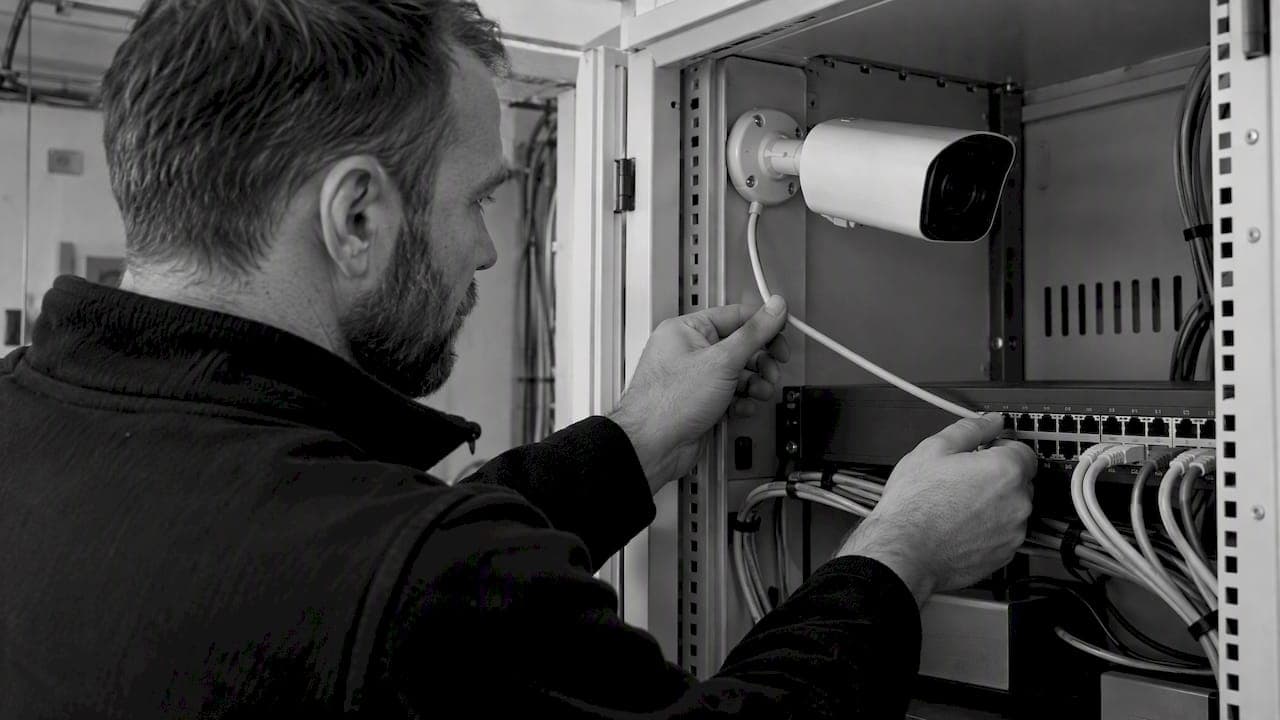
RTSP Security Risks: Integrators Must Block Exposed Ports 554 and 8554
See how integrators can reduce RTSP security risks: close exposed ports 554 and 8554, secure camera access, and verify each deployment with practical checks.

Require MAEpp and X Accuracy Before You Buy People Counting Systems
Verify people counting accuracy by demanding MAEpp, X Accuracy, and directional-bias reports. Validate on-site with at least 100 events per direction...
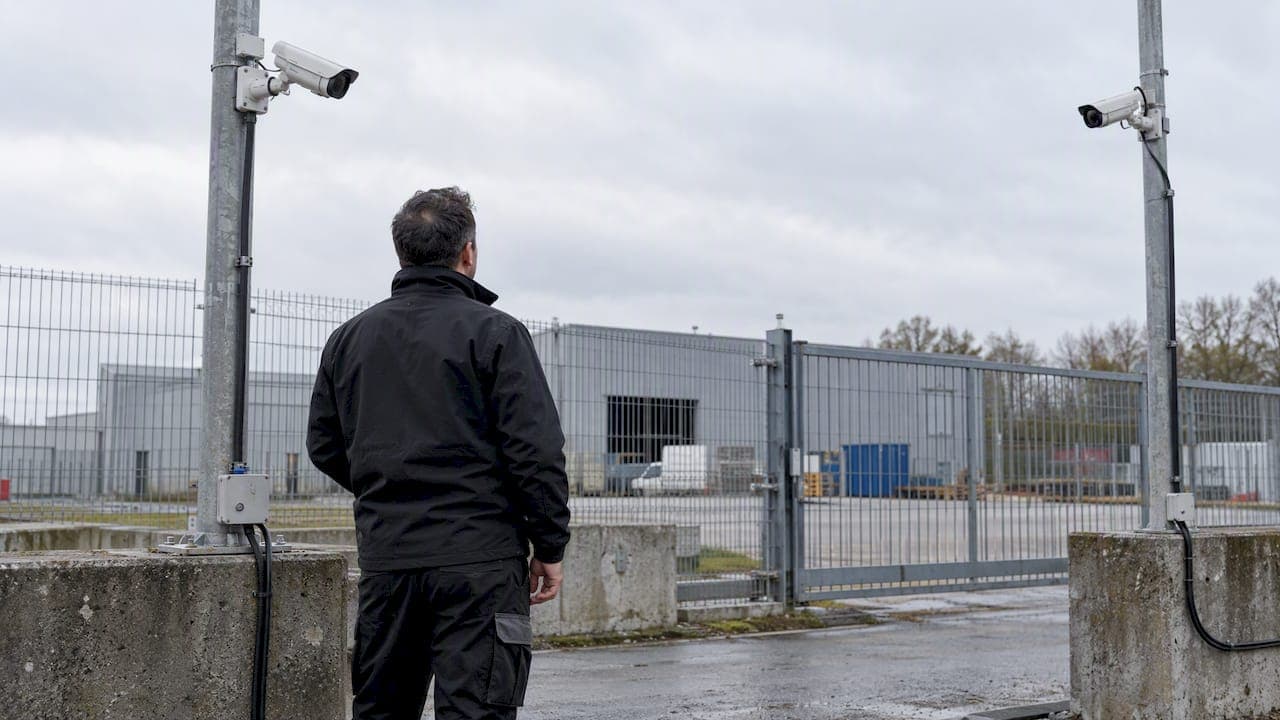
30–90 Day Pilot Validates Redundant Camera Networks for Engineers
Standards led, practical steps for engineers to deploy redundant camera networks: MRP, dual homing, and aggregation patterns, commissioning checks, and...
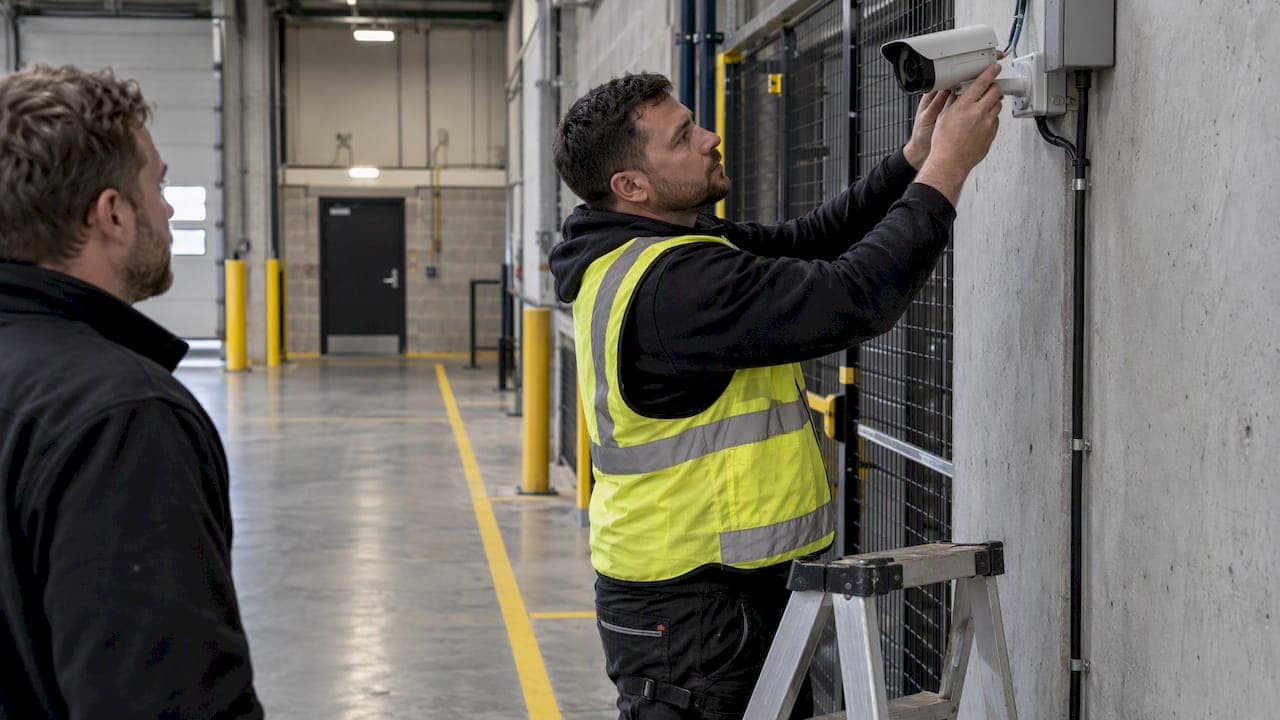
30 Day Pilot Proves Video Analytics Accuracy for Security Teams
Validate video analytics accuracy with scenario tests, camera tuning, transfer learning and a 30 day edge first pilot for security teams.
Let's Build YourSecurity Ecosystem.
Whether you're a System Integrator, Solution Provider, or an End-User looking for trusted advisory, our team is ready to help you navigate the BeyondSensor landscape.
Direct Advisory
Connect with our regional experts for tailored solutioning.