
6 Operational Hardening Steps for Installers: Secure Camera Networking
Technician focused guide to secure camera networking. Six hardening steps and practical VLAN, switch, firewall and remote access measures.
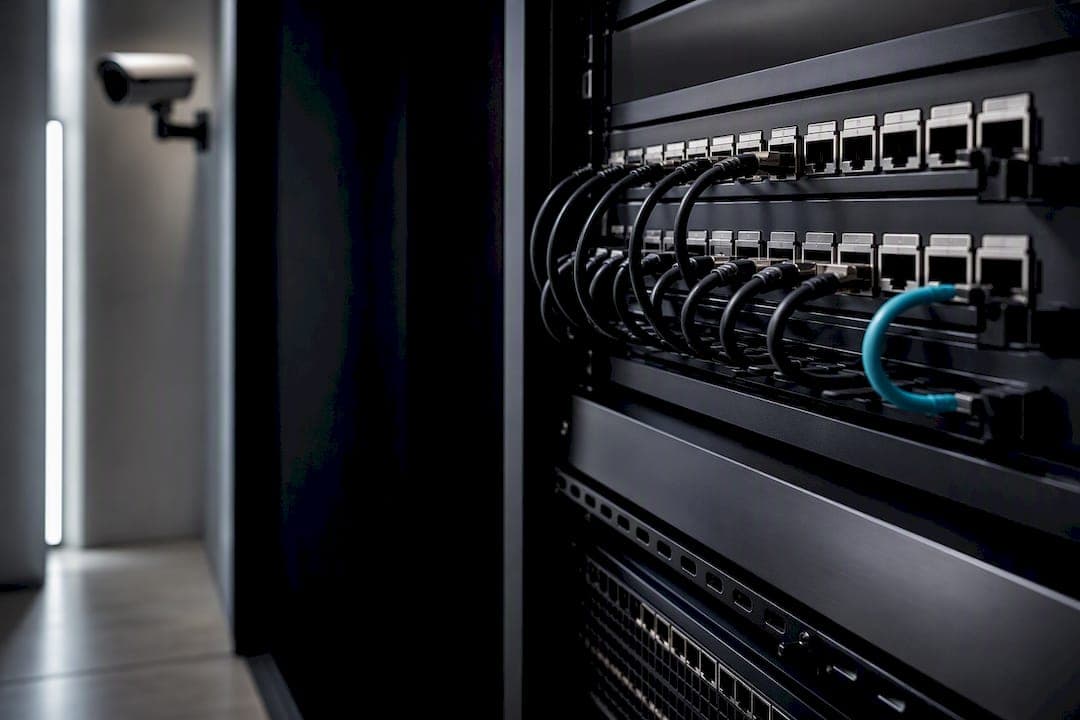
6 Operational Hardening Steps for Installers: Secure Camera Networking
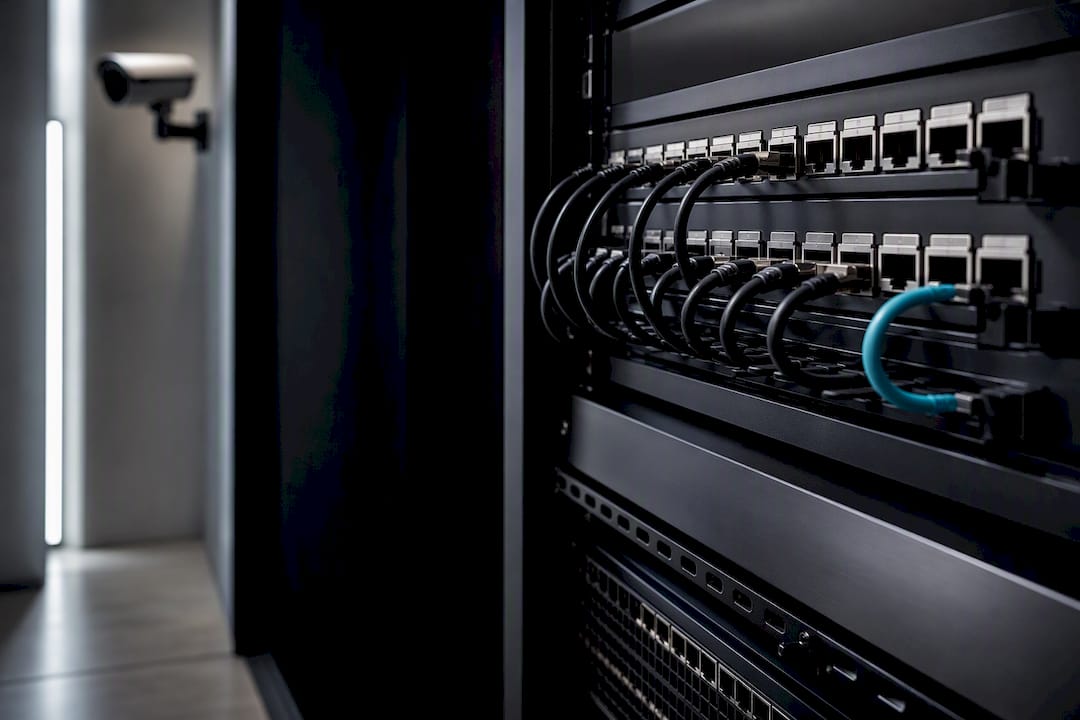
The minimal secure camera network runs on a segmented camera VLAN, PoE-managed switches, and firewall rules that permit only NVR or VMS traffic while blocking outbound internet access. Isolate cameras from every other device on your network immediately, and lock down admin interfaces with strong, unique credentials plus multi-factor authentication. Remote access should never mean exposing a camera directly to the internet. It requires an encrypted tunnel or a vetted relay, period.
TL;DR:
- Using separate VLANs for each camera zone and mapping each to a distinct subnet simplifies troubleshooting and enhances network segmentation.
- Placing the NVR on a separate, tightly scoped VLAN with specific port allow rules significantly reduces exposure in case of a camera breach.
- Firewall rules should always deny outbound internet access from cameras and restrict management interfaces to a dedicated admin subnet with MFA and logging.
- Remote access must run over VPNs with strong encryption and multi-factor authentication or rely on self-hosted relays with end-to-end encryption, avoiding direct internet exposure.
- Regular network discovery scans and continuous monitoring of ARP, ONVIF, and traffic anomalies are essential to detect unmanaged cameras and prevent network drift.
Table of Contents
- Building Secure CCTV Networks: A Compact Architecture Blueprint
- VLAN Design, Subnet Mapping, and QoS for Video Traffic
- Configuring Switches and Firewalls: Rules That Actually Get Enforced
- Locking Down Remote Access Without Exposing a Single Camera
- Finding Every Camera on Your Network Before Attackers Do
- The Operational Hardening Checklist Every Deployment Needs
- What Actually Moves the Needle in Camera Network Security
- Working With BeyondSensor on Your Camera Network Design
- Sources
- FAQ
Building Secure CCTV Networks: A Compact Architecture Blueprint
Picture the traffic flow as a straight line with checkpoints at each hop: cameras connect to a PoE-managed switch on a dedicated camera VLAN. That switch feeds a firewall or router, which grants narrow access to an NVR or VMS, and operators sit on their own separate VLAN entirely. Each checkpoint exists to stop lateral movement if one device gets compromised.
Small sites with a handful of cameras often run fine on a single camera VLAN with the NVR living inside it. Campus deployments need something sharper: multiple camera VLANs split by building or zone, each with its own firewall policy, because a single flat camera network scaled across dozens of switches becomes unmanageable and a single breach point touches everything.
Where you place the NVR matters more than most teams realize:
- NVR inside the camera VLAN simplifies discovery and ONVIF autoconfiguration but widens the blast radius if a camera is compromised.
- NVR on a separate VLAN with tightly scoped allow rules (specific ports, specific camera subnet) adds a few minutes of setup and meaningfully reduces exposure.
For most deployments beyond a handful of cameras, the second pattern is worth the extra configuration time.
VLAN Design, Subnet Mapping, and QoS for Video Traffic
A clean 1:1 mapping between VLAN and subnet keeps troubleshooting sane at 2 a.m. A common convention is 10.10.VLAN_ID.0/24, so VLAN 20 becomes 10.10.20.0/24 and VLAN 30 becomes 10.10.30.0/24. Anyone reading a packet capture can immediately identify which segment traffic originated from.
Follow this sequence when designing the VLAN layer:
- Assign one VLAN per camera zone or building, leaving numeric headroom for future expansion.
- Set every camera-facing switch port to access mode, never trunk, and disable dynamic trunking protocol entirely.
- Map each VLAN to its subnet using a consistent addressing convention.
- Apply DSCP marking so live and PTZ streams get higher priority than recorded or backfill streams competing for the same uplink.
- Push QoS enforcement to the actual bottlenecks: switch uplinks and WAN links, not every port.
VLAN and QoS segmentation guides consistently identify these controls as the foundation for containing vulnerable cameras while keeping live video watchable.
Statistic Callout: Multisite deployments that stream full-resolution video across every location commonly risk saturating WAN links quickly. The better pattern is local recording at each site with only a low-resolution proxy stream sent over the WAN, backed by WAN-side QoS so that proxy traffic never starves other business applications.
Configuring Switches and Firewalls: Rules That Actually Get Enforced
Every camera port gets an access-mode configuration with a PVID matching its camera VLAN, no exceptions. Before wiring anything, calculate your PoE power budget: 802.3at (PoE+) delivers up to 30 watts per port, while 802.3bt pushes higher wattage for PTZ cameras with heaters or wipers. Undersized power budgets are a common reason cameras reboot randomly under load.
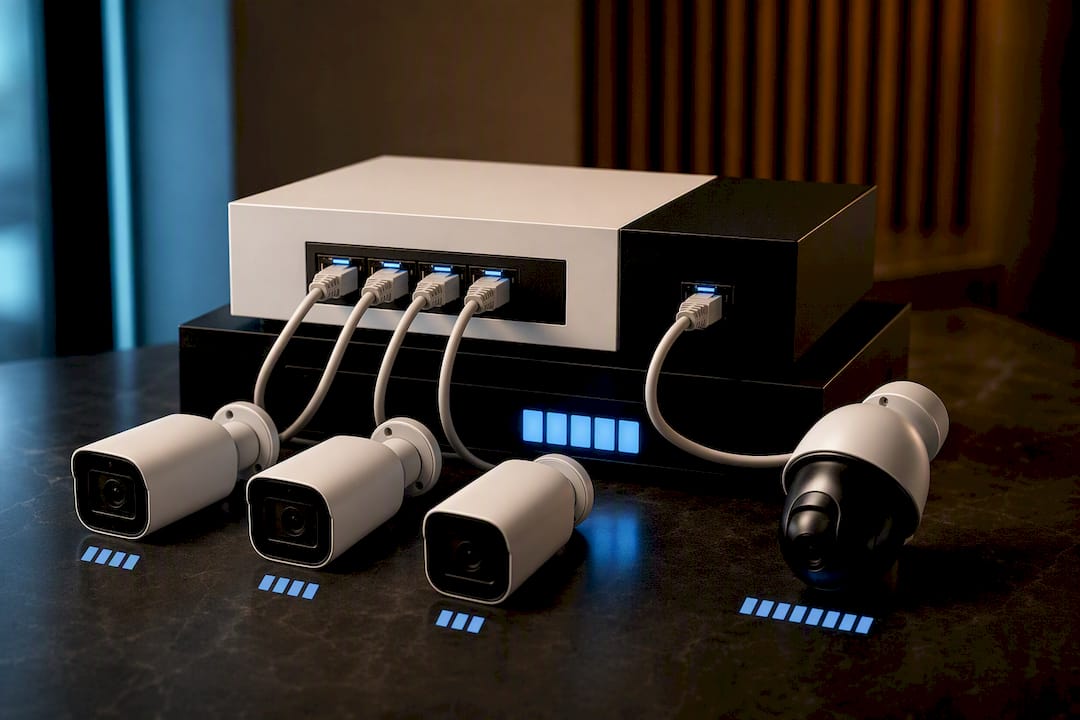
Uplinks from the camera switch to the firewall should run as trunk ports carrying only the VLANs actually required, nothing broader. Avoid stretching a single Layer 2 camera VLAN across many switches and buildings; route between sites at Layer 3 instead.
Firewall rules should follow this pattern:
- Allow camera subnet → NVR IP on required ports only (RTSP, ONVIF, manufacturer-specific ports).
- Deny camera subnet → WAN, blocking all outbound internet access by default.
- Restrict switch and camera management interfaces to a dedicated admin subnet.
- Permit minimal egress for firmware updates and NTP, ideally through a local NTP/DNS server or a narrowly scoped update proxy rather than open internet access.
VLAN isolation guides for CCTV show this exact allow/deny structure preventing camera compromises from ever reaching the corporate network.
Pro Tip: After applying the deny-WAN rule, run a ping test from a camera IP to a public address. It should fail. If it succeeds, your firewall rule order is wrong, and that's the single most common misconfiguration teams miss before going live, according to practical VLAN setup guides.
Locking Down Remote Access Without Exposing a Single Camera
Operator access should run over a VPN whenever possible, using strong cipher suites and MFA on the VPN gateway itself, not just the camera login. Client VPN works well for individual operators; site-to-site VPN fits fixed remote offices monitoring a central NVR.
When a VPN isn't practical, cloud-assisted relays are the fallback, but only under strict conditions:
- Require end-to-end encryption with client-held keys, not just transport-layer TLS to the relay provider.
- Confirm the relay supports forward secrecy, so a key compromise later doesn't expose past sessions.
- Self-hosted relays cut third-party risk since you control the infrastructure end to end.
- Never expose a camera's web interface directly to the internet, even behind a password.
The Secluso project demonstrates this pattern well for DIY builds: a Raspberry Pi camera with end-to-end encrypted remote access and reproducible, auditable builds rather than a black-box cloud app.
Off-grid sites need a slightly different recipe. Cellular uplink paired with a VPN or encrypted relay, combined with strict outbound firewall rules and active connection monitoring, keeps a remote camera secure without requiring fixed-line infrastructure. Teams managing multiple remote sites often add dual-path communications and warm standby recording so a single link failure doesn't mean lost footage.
Finding Every Camera on Your Network Before Attackers Do
You can't secure what you can't see, and unmanaged cameras are the norm on networks that have grown organically for years. Safe discovery starts with ARP sweeps, ONVIF discovery queries, and targeted Nmap scripts, then reconciling results against your actual asset inventory to flag anything unaccounted for.
Ongoing monitoring needs more than a one-time scan:
- Enable SNMPv3 on managed switches for authenticated, encrypted device polling.
- Feed NetFlow or IPFIX data into your monitoring stack to catch traffic anomalies.
- Watch for new, unrecognized management IPs appearing on the camera VLAN.
- Flag unexpected DNS queries or sudden bursts of outbound traffic from a camera subnet.
Statistic Callout: Practitioner discussions on enterprise camera security repeatedly point to the same gap: teams isolate cameras once during install, then never monitor them again. Forward the logs to your SIEM and schedule recurring scans, because a VLAN built correctly on day one can still drift out of policy by month six.
The Operational Hardening Checklist Every Deployment Needs
A secure architecture only stays secure if operations keep pace with it. Adapting BeyondSensor's ten-step hardening checklist into a working routine gives security teams a repeatable audit path:
- Inventory every camera and switch, tagging each with location, model, and firmware version.
- Replace every default credential immediately, and enforce role-based access control for anyone touching the system.
- Push firmware updates over secure channels only, staged in batches with a documented rollback plan.
- Restrict management-plane access to admin subnets, require MFA, and log every configuration change.
- Build in redundancy: local buffering for footage, dual-path communications, and warm standby recording for critical sites.
- Set clear retention limits, log every access event, and review both against a privacy-by-design standard rather than defaulting to "keep everything forever."
Pro Tip: Treat the change log as evidence, not paperwork. If a camera behaves oddly six months from now, the log telling you exactly what changed and when is the fastest way to rule out a misconfiguration before you assume a breach.
What Actually Moves the Needle in Camera Network Security
Segmentation and deny-first firewall rules deliver more security per hour invested than almost anything else on this list. Get the VLAN and the default-deny rule right, and most other mistakes become recoverable rather than catastrophic. For large or compliance-bound deployments, bring in integrators early rather than after a failed audit. Document every design decision as you make it. An auditable change log is worth more than memory six months later.
— Eumir
Working With BeyondSensor on Your Camera Network Design
Getting VLAN segmentation and firewall rules right on paper is one thing. Deploying them correctly across dozens of cameras, multiple sites, and a mix of legacy and new hardware is where most in-house teams lose weeks they don't have. Some companies work directly with security teams and system integrators to design and deploy secure camera networks, from initial VLAN architecture through managed sensor network operations.

That means an architecture review that stress-tests your firewall rules before deployment, a privacy-first checklist aligned with the hardening steps covered above, and hands-on support for teams that need the segmentation, PoE planning, and remote access design done right the first time. If your current setup has cameras sitting on a flat network or an NVR exposed to more traffic than it should see, that's the place to start. Reach out through the BeyondSensor system integrators page to request an architecture review for your next deployment or expansion.
FAQ
How do I set up networking for CCTV?
Create a dedicated camera VLAN, put every camera port in access mode, connect through a PoE-managed switch, and set firewall rules that allow only NVR access while blocking outbound internet traffic.
Can someone access your camera without you knowing?
Yes, if the camera's web interface is exposed directly to the internet or uses default credentials, an attacker can access it silently; that's exactly why remote access should always route through a VPN or an end-to-end encrypted relay instead.
What is networking in CCTV?
Networking in CCTV refers to how cameras, switches, the NVR or VMS, and firewalls connect and communicate. Getting that structure right through VLAN segmentation is what separates a secure camera network from an open door on your infrastructure.
How can I detect IP cameras on my network?
Run ARP sweeps and ONVIF discovery queries, use targeted Nmap scripts to identify camera signatures, then reconcile every result against your asset inventory to catch unmanaged or forgotten devices.
Should I use a VPN or a cloud relay for remote camera access?
A VPN is the stronger default for operator access, but if you need a relay, choose one with end-to-end encryption and forward secrecy rather than exposing any camera interface directly to the internet.
Recommended
Read More Articles
97% Takeover Success Demoed: Sensor Fusion Security for Practitioners
For security teams and system integrators: harden sensor fusion security with ETSI hardware controls, documented attack evidence, and a practical...

Stop False Dispatches: 5 SOP Steps for Singapore Alarm Triage
SOP first, verification led alarm triage workflow for Singapore facilities. Five SOP steps aligned to PDPC, SGPolice and ABS guidance.

Singapore Procurement: Live Pilot for Intrusion Detection Analytics
Procurement-first checklist for Singapore teams: require live pilots, add PDPA checks to RFPs, and judge intrusion detection analytics by pilot results...
Avoid Outages: IMDA/JST Camera Firmware Management for Administrators
Practical operations-first guidance for security administrators to run staged, auditable firmware updates across multi-site camera fleets, aligned to IMDA...
Let's Build YourSecurity Ecosystem.
Whether you're a System Integrator, Solution Provider, or an End-User looking for trusted advisory, our team is ready to help you navigate the BeyondSensor landscape.
Direct Advisory
Connect with our regional experts for tailored solutioning.